Constraints view
Add a contact strategy
-
Right click in the constraint box and select Add Contact Strategy
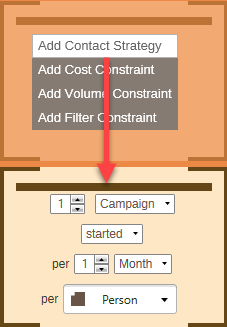
The Contact Strategy you select must:
- be at the Campaign level (not Communication)
- be set to a maximum of 5 Campaigns
- be set to per person
Note
PeopleStage can reserve up to 5 campaigns per person during each Optimisation run.
Multiple campaigns per person
PeopleStage can plan the best 3 campaigns for an individual to receive in the next quarter while ensuring that they don't receive more than 1 every 14 days.
Campaign Optimisation allocates individuals within a 24-hour, 7-day, or 13-week time window and your constraint must therefore be applied to a timeframe that is longer than the Optimisation Window.
Tip
The time frame can be anything broader than the time window. If set, for example, to 1 Campaign started per 1 week the Optimisation Task still runs every day and still plans 24 hours at a time, but individuals selected for say Monday will not be selectable for Tuesday's campaigns.
Once you apply your contact strategy:
-
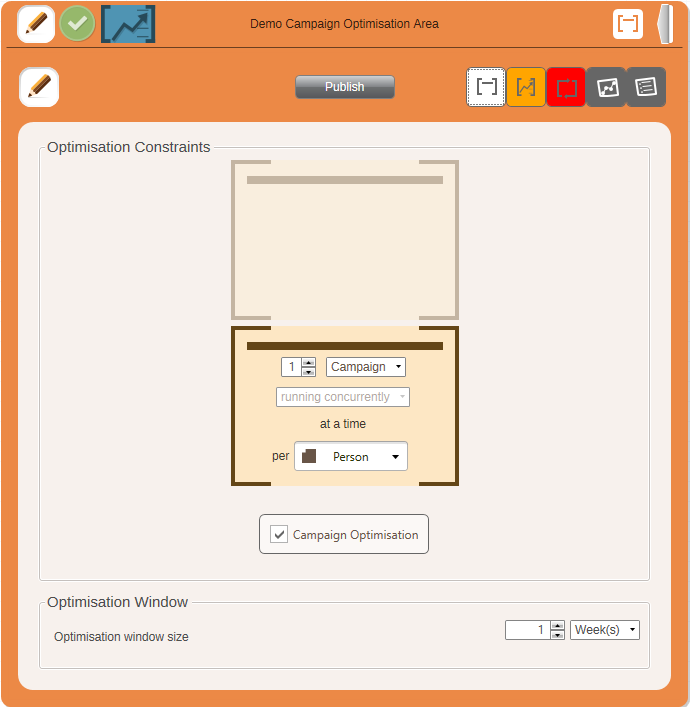
Click the Criteria view
Note
Any View icons are highlighted if they need to be defined and validated.