Branding and external links
You can change the branding assets used in Orbit.
The following options are available:
Partner brand name
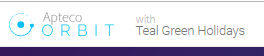
Partner brand name, for example Teal Green Holidays has been used in the image below.
Show brand logo
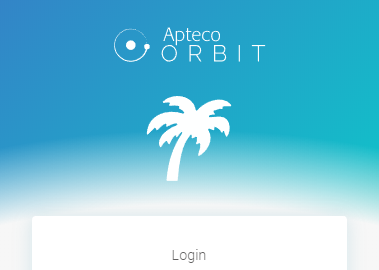
When selected the brand logo that is referenced in the Brand Logo cell will be displayed between the application logo light and the login box.
Note
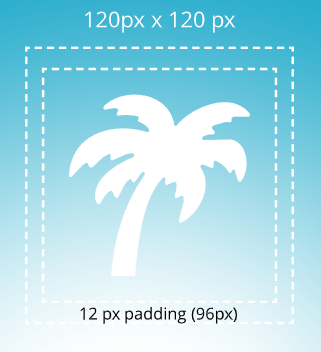
The image will be scaled down to max width or height of 96 pixels depending on the aspect ratio, you can use any aspect ratio and the image will be adjusted to fit, a smaller image will not be scaled up.
Note
When using an SVG you must specify the width and height of the svg within the text of the SVG element, e.g. every SVG has the viewBox attribute (the last two are the width and height ratio if the size is not appropriate search for an Aspect Ratio Calculator on the internet to calculate an appropriate width and height. You can edit an SVG using a text editor.
Application logo dark
The application logo dark is used at the top of orbit, (170 x 40 pixels).

Application logo light
The application logo light is used above the login box and brand logo, (170 x 40 pixels).

To configure the branding options use the Orbit API Configurator in your Orbit API folder on your web server.
You must have administrative rights in the Web Server to use the Orbit API Configurator, see your web service administrator for help with this.
Note
By default the location is C:\inetpub\wwwroot\Orbit API - OrbitAPIConfigurator.exe
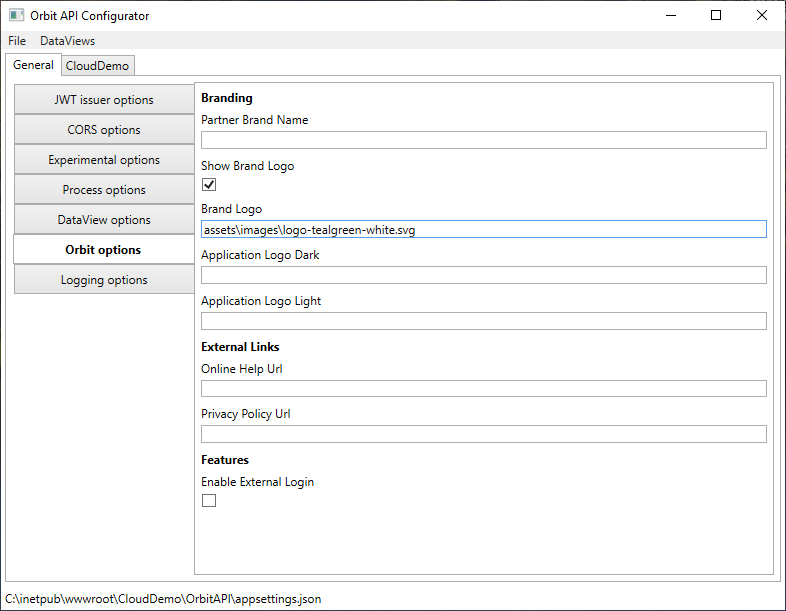
All of the above paths are either relative to the C:\inetpub\wwwroot\Orbit\assets folder or can have an absolute URL.
e.g. assets\images\brand-logo.jpg or assets\logos\logo-orbit-apteco-blue.svg or http:\www.example.com\images\my-image.svg
External links
Online Help Url - You can enter a Url to use your own help centre.
Privacy Policy Url - You can enter a Url to use your own privacy policy.
Features
Enable External Login - This is reserved for future use with SSO.