Using campaigns
To access the Campaigns screen in Orbit, click Campaigns at the top of your screen. This displays all your campaigns in a tiled view, ordered by the most recent campaign activity.
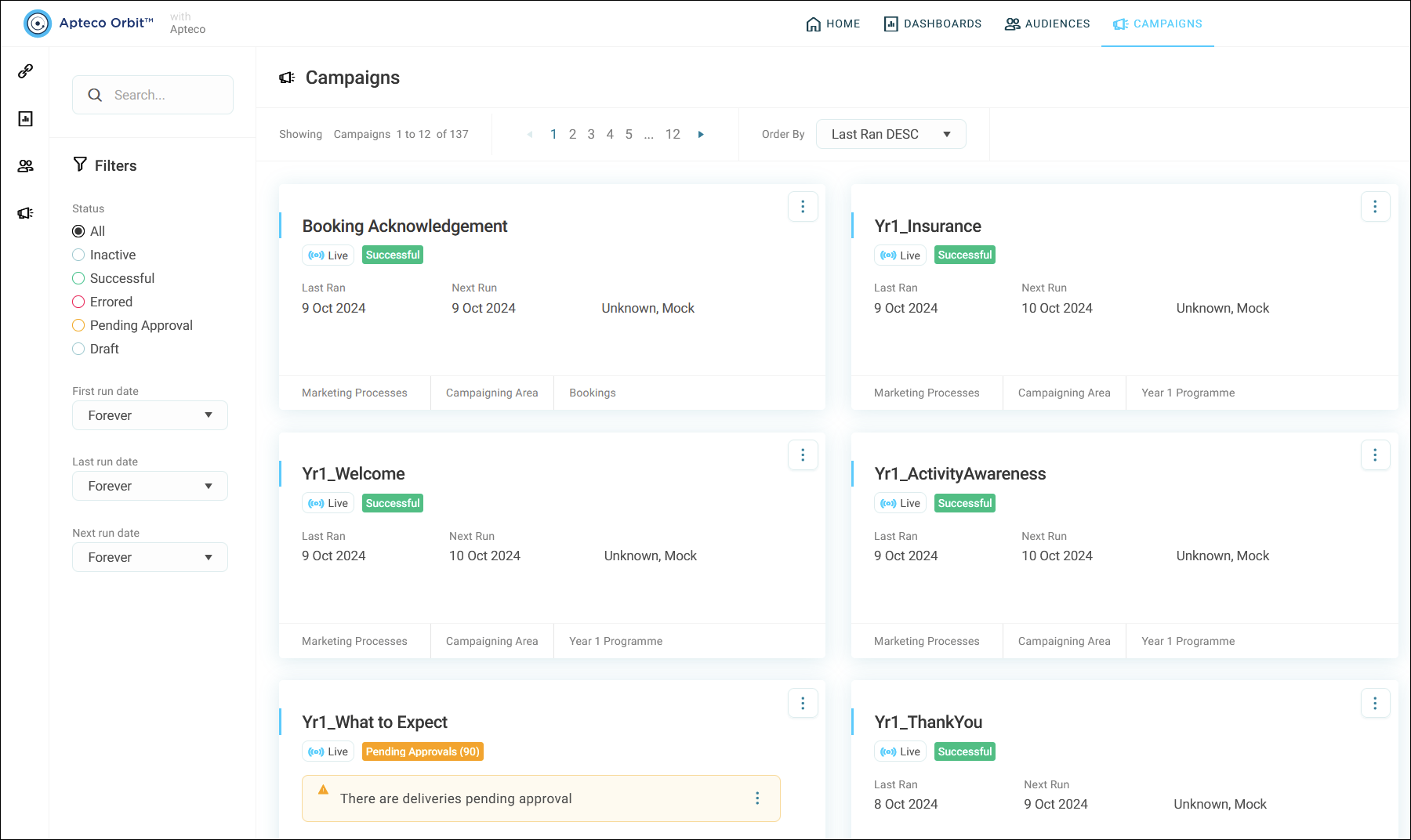
Each campaign tile shows a summary, including:
- Campaign status
- Last run date
- Schedule information
You can quickly assess the status of any campaign and navigate to the Overview tab as needed by clicking on the campaign.
Note
You can navigate to a specific campaign area from the bottom of a campaign tile.