Renaming a campaign
You can rename campaigns to keep them organised and ensure their names accurately reflect their purpose or audience.
To rename a campaign:
- Go to Campaigns and open your campaign.
- Click the Journey tab.
- If you're in view mode, click Edit.
-
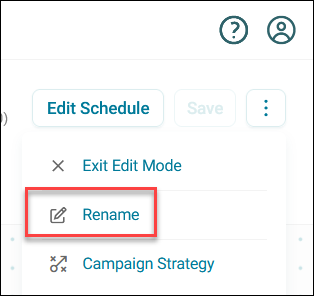
Expand the option menu and click Rename.
-
Enter a new Campaign Name.
- Click Rename.
Your campaign name updates immediately.