Managing channels
Campaigning Channel Editor additional options.
Duplicating a channel
To duplicate a channel:
-
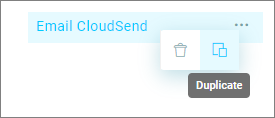
Hover over a channel and click the three dots to show the menu.
-
Select the Duplicate icon.
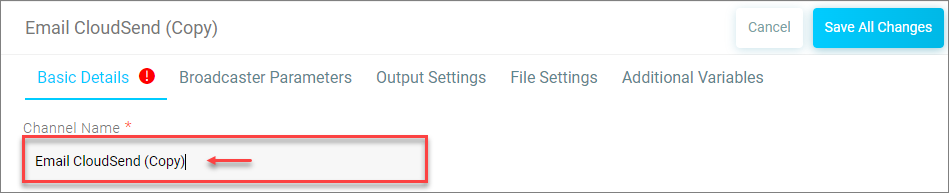
A duplicate channel is created.
-
Change the Channel Name and click Save All Changes.
Creating a folder
-
To create a folder, click the +Item button.

-
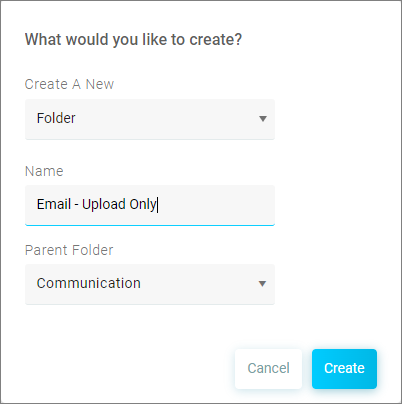
Select Folder from the Create a New drop-down menu.
-
Enter a Name for the folder.
- Set the Parent Folder.