Starting the process
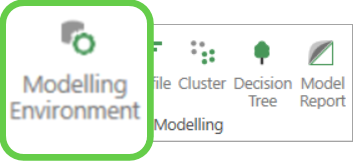
To get started, from the Modelling panel in the FastStats toolbox:
-
Select and open a new Modelling Environment.
-
Name and save your modelling environment.
To access the behavioural modelling functionality:
-
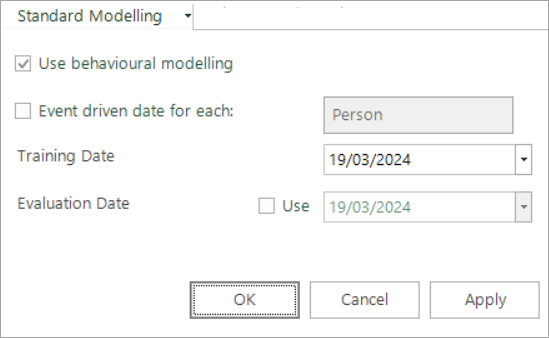
Click the Standard Modelling drop-down and select Use behavioural modelling.
Fixed or event driven
Now decide if you want to perform fixed or event driven behavioural modelling.
- Fixed is ideal when you want to study all people as of a specific date - for example, for a Christmas campaign.
- Event driven is required when each record has a different start date for the behaviours you want to explore - for example, a specific donation or transaction.