Checking an audience
In addition to the Create tab where you define your Audience selection criteria, you also have a Check tab to view sample data and an Export tab to determine the file format and export records out of Orbit.
Check
- Click on the Check tab to view summary statistics for the active Audience.
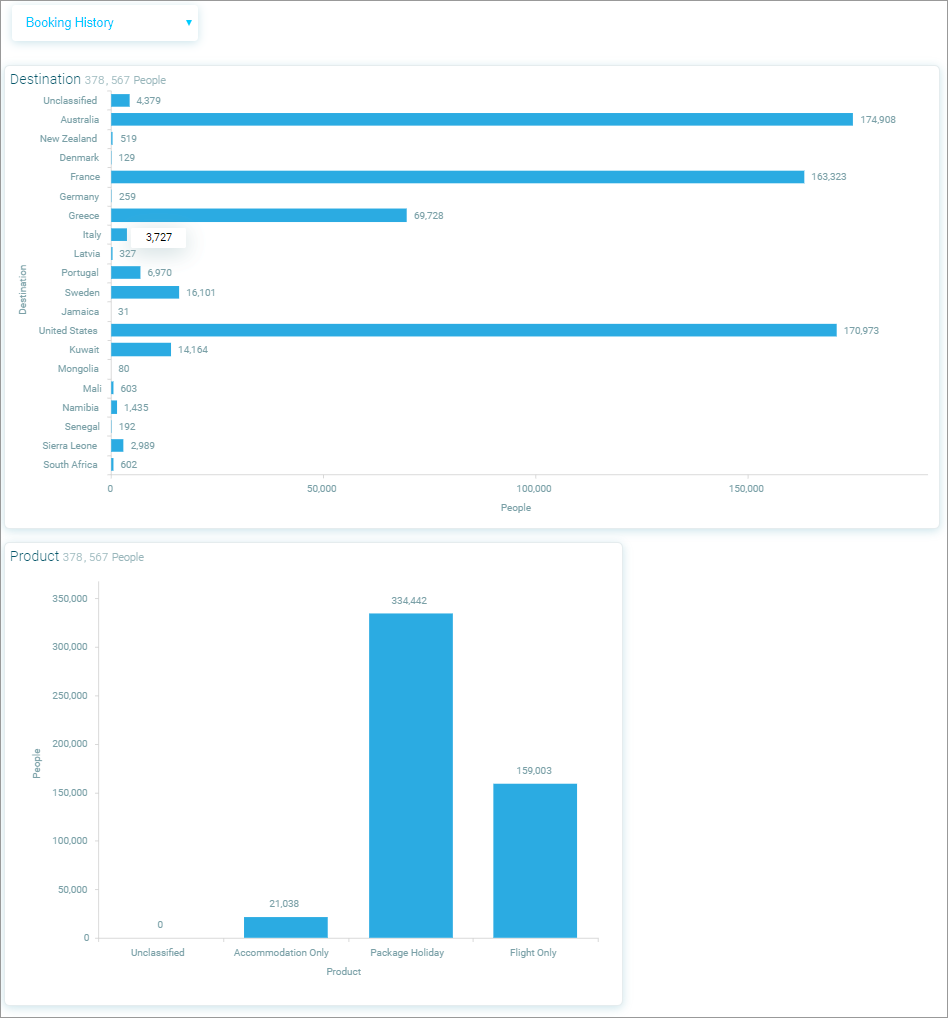
The top section of the Check view contains visualisations generated from the Audience categorical or date variables, the lower sections displays a data grid. 2. Use the column filter to hide/show columns.
The selectable profiles, accessed via the drop-down menu, are configured by an Administrator and provide breakdowns of your Audience by predefined attributes, allowing you to visually check your Audience for any anomalies.