Creating your Apteco Email channel
Before using Apteco Email in Orbit, you must first set up your channel in the channel editor.
Note
You need to set up two channels for Apteco Email - one for your promotional sub account and one for your contractual one.
To create your Apteco Email channel:
- Log in to Orbit.
-
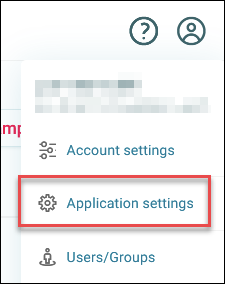
Click your avatar icon in the top-right corner, then click Application Settings.
-
Click Campaigning Channel Editor.
-
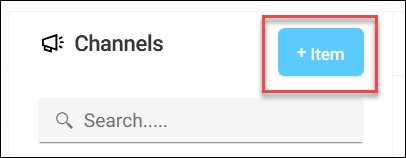
Click + Item.
-
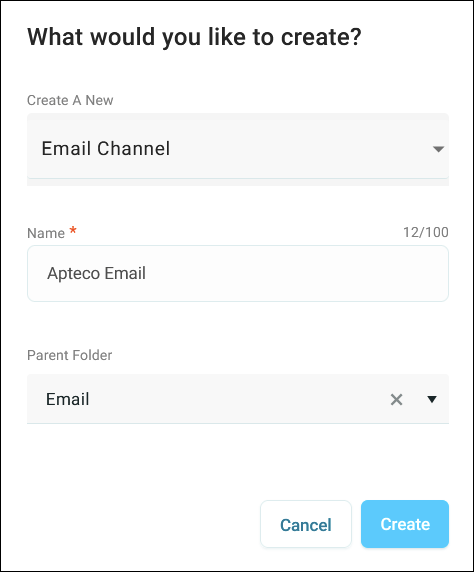
Under Create A New, select Email Channel.
- Enter a Name for your channel.
-
Select a Parent Folder to organise your channel.
-
Click Create.
You've now created your Apteco email channel. The next step is configuring your channel.