Adding personalisation to your message
You have two options for adding personalised content fields to your message:
- Orbit can automatically add the required content fields for you.
- You can add your content fields manually.
To allow Orbit to add your content fields for you:
-
Click Add.
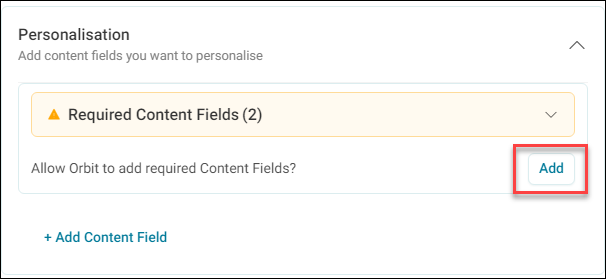
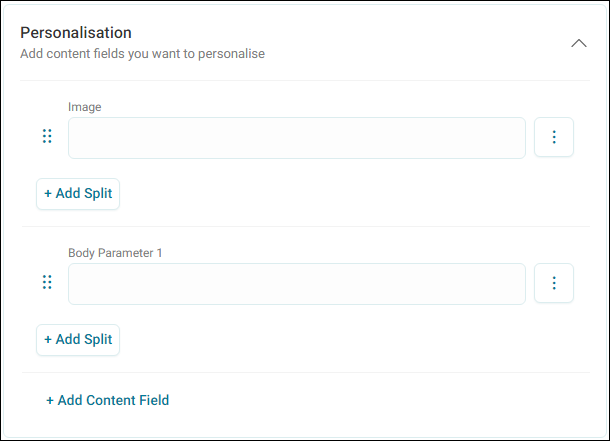
Orbit automatically populates your required content fields for you.
Example
This template required two content fields. One called Image, and one called Body Parameter 1.
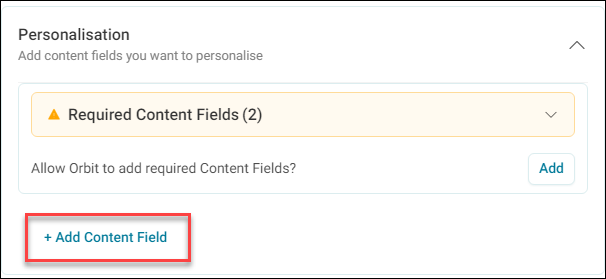
To add the content fields manually:
-
Click + Add Content Field.
-
Select either a Text Field or Variable as the content field type, then add the field name. Click OK.
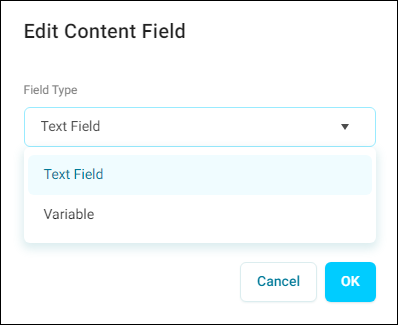
Orbit informs you whether the content field matches what is required in the template.
Once you have your required content fields you can start setting up and any values and variables.
Setting up your content fields
To set up your content fields:
-
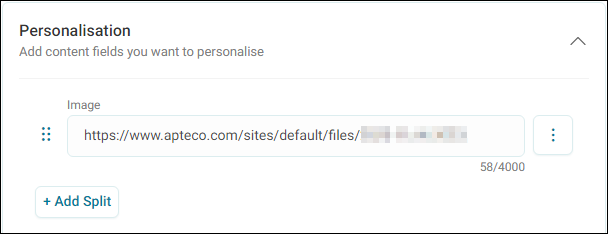
For Text Fields, input any value you want to include.
Example
Here we use an image URL for our Image content field.
-
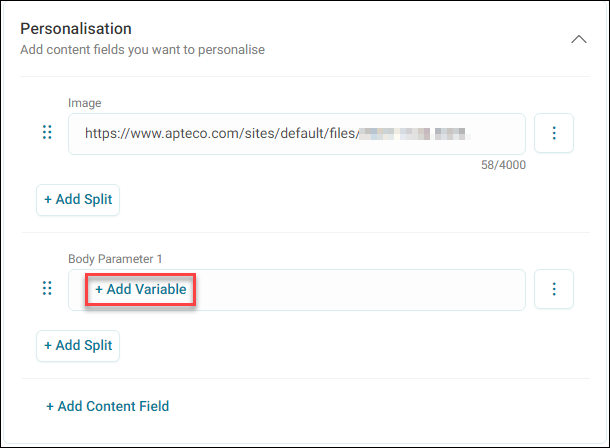
For Variables, click + Add Variable in your content field.
-
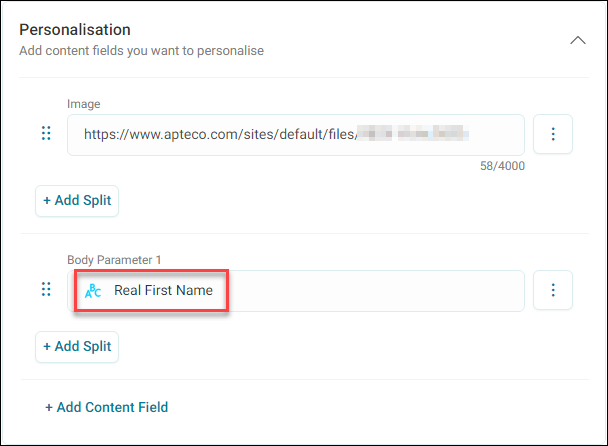
Search for and select the variable you want to use.
Example
Here we use the Real First Name variable for our Body Parameter 1 content field.
-
Once the content fields are complete, click Apply.
You have successfully set up your WhatsApp Message step.