Dashboard list search filter
With the dashboard list search filter, you can use key words quickly and effectively find a specific dashboard from your list of available dashboards in My Dashboards and Shared Dashboards.
To search for a dashboard using the dashboard list search filter:
-
Go to the Dashboards tab.

-
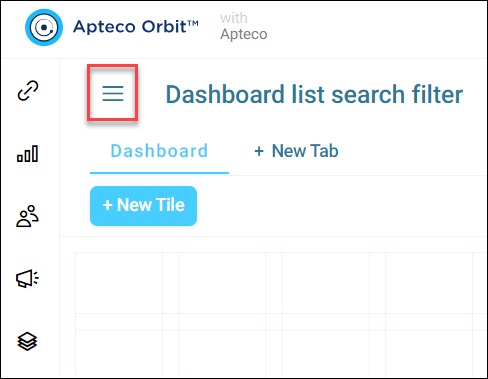
Click the three horizontal lines button in the top left of your screen to open the dashboard menu.
-
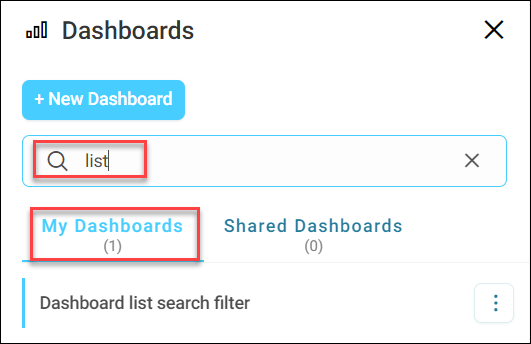
Enter your search text in the search field. A few points to note here:
- Search results update in real time as you type
- Your search applies only to your currently selected tab (My Dashboards or Shared Dashboards)
-
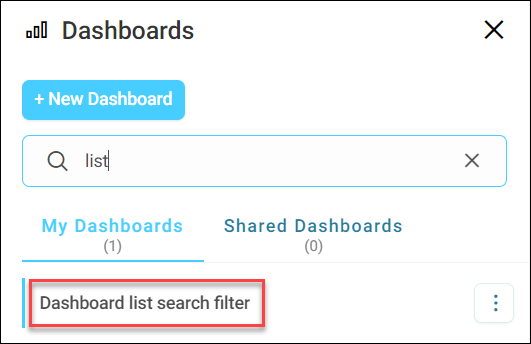
Select the relevant dashboard from your search results to open it.
You’ve now used the dashboard list search filter to find and open a dashboard from your available dashboards list.