Filtering
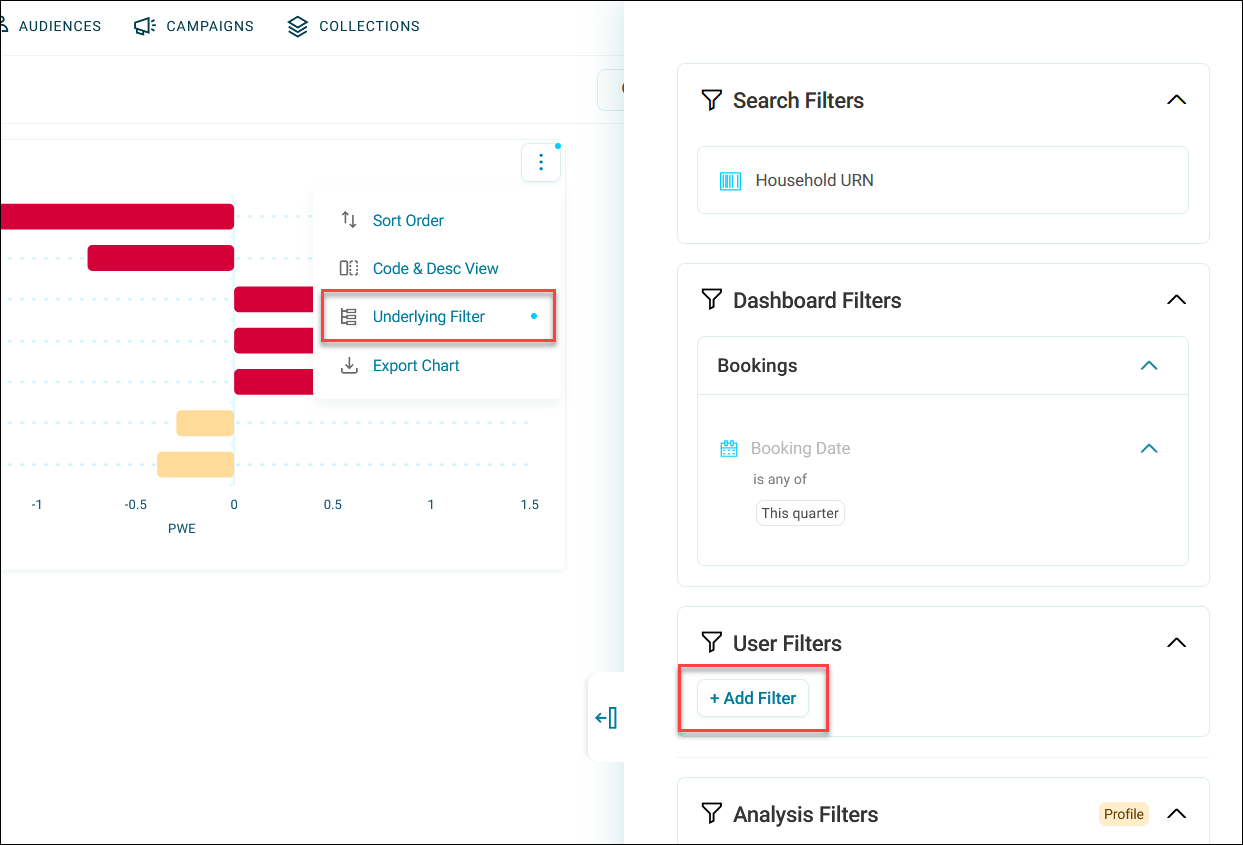
Filters help you control the information displayed on your dashboards. You can apply filters temporarily whilst viewing a dashboard, or set up persistent filters that remain applied across sessions.
What you can do with filters
As a dashboard viewer:
- Apply temporary user filters to explore data on-the-fly
- Add categories from tiles to your filters by selecting them
- Use Drilldowns on tiles and build complex filter combinations
As a dashboard editor:
- Apply persistent filters to specific tiles
- Enable searchable filtering across the dashboard
- Filter the entire dashboard automatically
- Provide predefined filter options for viewers to use
Types of filters
Orbit offers five types of filters to suit different use cases:
- User filters: Temporary filters that any dashboard user can apply in view mode.
- Tile filters: Persistent filters applied to individual tiles.
- Search filters: Custom search boxes allowing viewers to search across specific variables.
- Dashboard filters: Persistent filters that apply to every tile on the dashboard.
- Predefined filters: Pre-configured filter variables that viewers can populate with their own values.
- Analysis filters: Special filter type that only affect profile tiles.
Example use cases
Marketing campaign analysis
Your marketing team wants to analyse campaign performance across different regions. You set up:
- A dashboard filter to show only the current year's data
- Predefined filters for Region and Campaign Type for quick comparisons
- Tile filters to highlight top-performing channels
Team members can then add their own user filters to drill into specific customer segments and reset them when needed.
Executive reporting dashboard
You create a dashboard for executives who need high-level insights without data manipulation. You configure:
- Dashboard filters to show only completed transactions
- Tile filters to highlight key metrics
- Search filters for quick product or customer lookups
- Prevent Category Selection on tiles to maintain data integrity
Executives can still use predefined filters to view different time periods or regions while the core data presentation remains controlled.