URN files in dashboard filters
Use URN files containing reference keys in temporary user filters. They are removed when the user filter is removed, the user explicitly logs off, or logs on to a new session, with temporary files still to be removed.
Use
To upload a temporary URN file in a user filter, choose the reference variable by typing it into the user filter search panel, or using a pre-defined filter, if there is one.
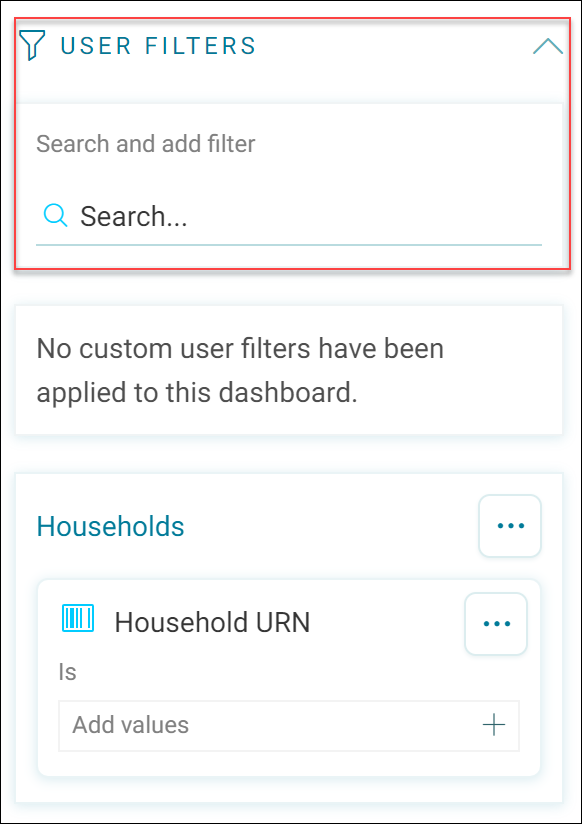
You are then prompted to locate the file you wish to upload. You can choose whether to treat your file as temporary or not when it is uploaded. You do not need to provide a location for this file, this is managed by Orbit.
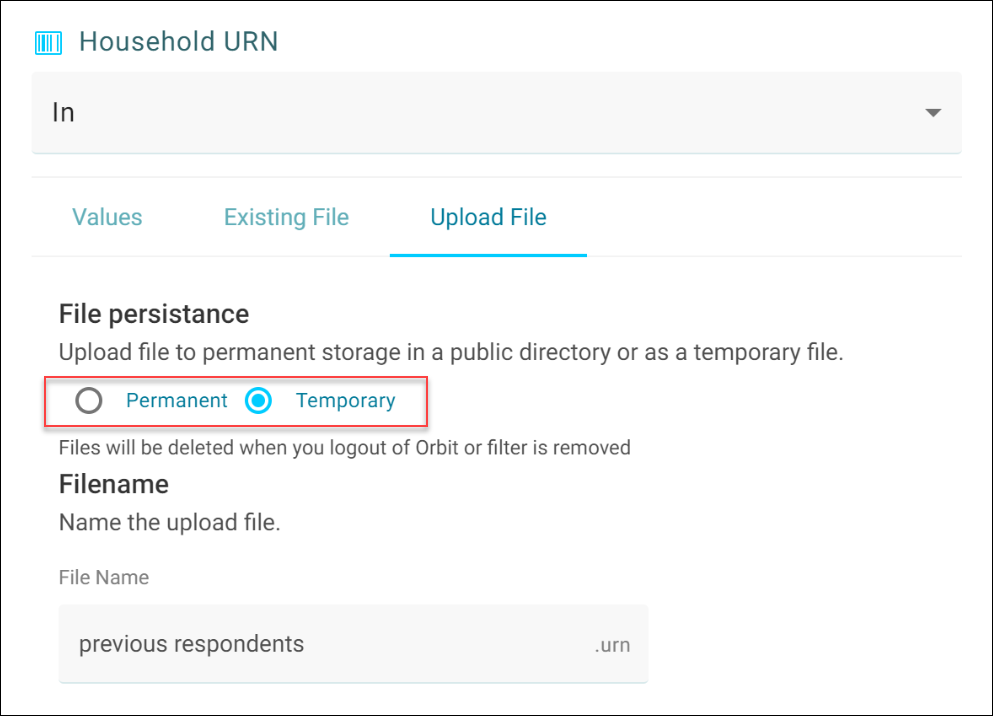
With the file now managed by Orbit, it is removed once the user filter is removed, the user explicitly logs off, or logs on to a new session.
You may find that the option to use a permanent file is unavailable. This means that the administrator has chosen all of these uploaded files to be temporary.

Note
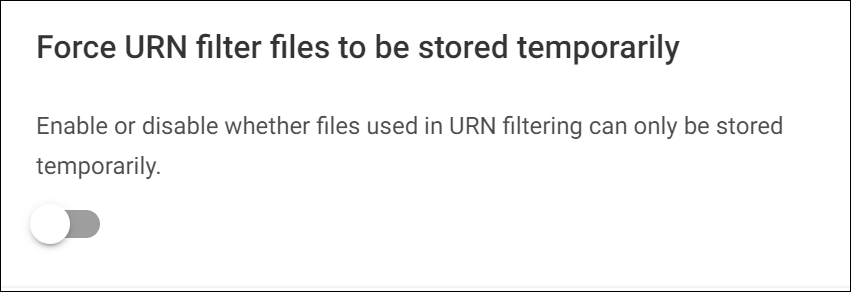
Administrators can force all uploaded URN files in a user filter to be treated as temporary in an application setting, as below:
URN upload folders in public directory
When adding a user filter to your dashboard, you can make folders in a public directory when uploading URN files.
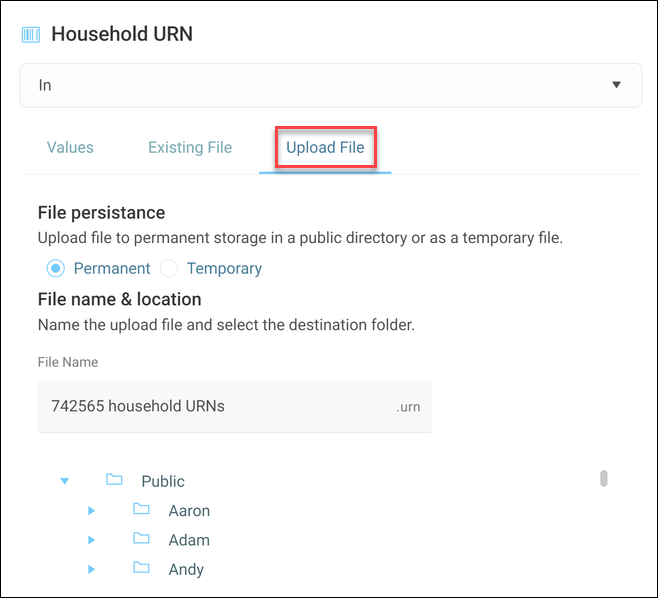
This allows you to organise your upload and view your file structure with the first 5 line preview window.