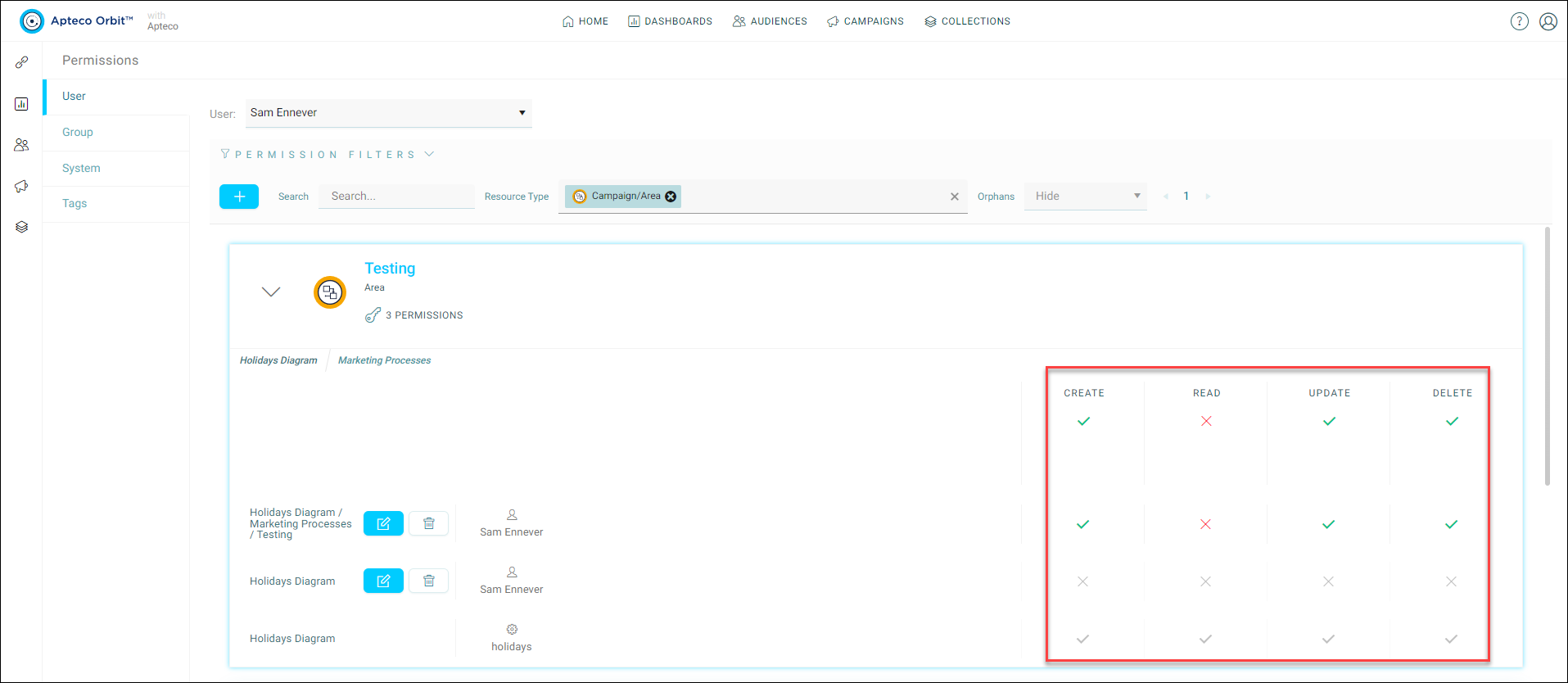
Viewing existing permissions
You can view the existing permissions applied for a user, group, or system for a specific Apteco software feature via the Permissions/Tags menu in the Admin User dropdown. To view existing permissions for a user, group, or system:
- Navigate to the Admin User > Permissions/Tags Orbit menu.
-
Select the appropriate User, Group, or System tab, and relevant user profile from the drop down menu.
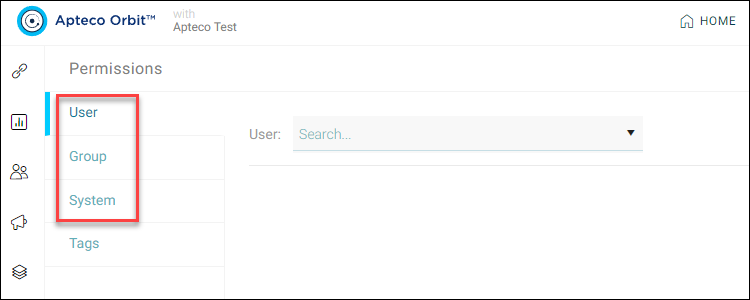
-
Use the System, Search, Resource type, and Orphans menus or to filter the results, if required. Alternatively, use the pager to cycle through the profiles.
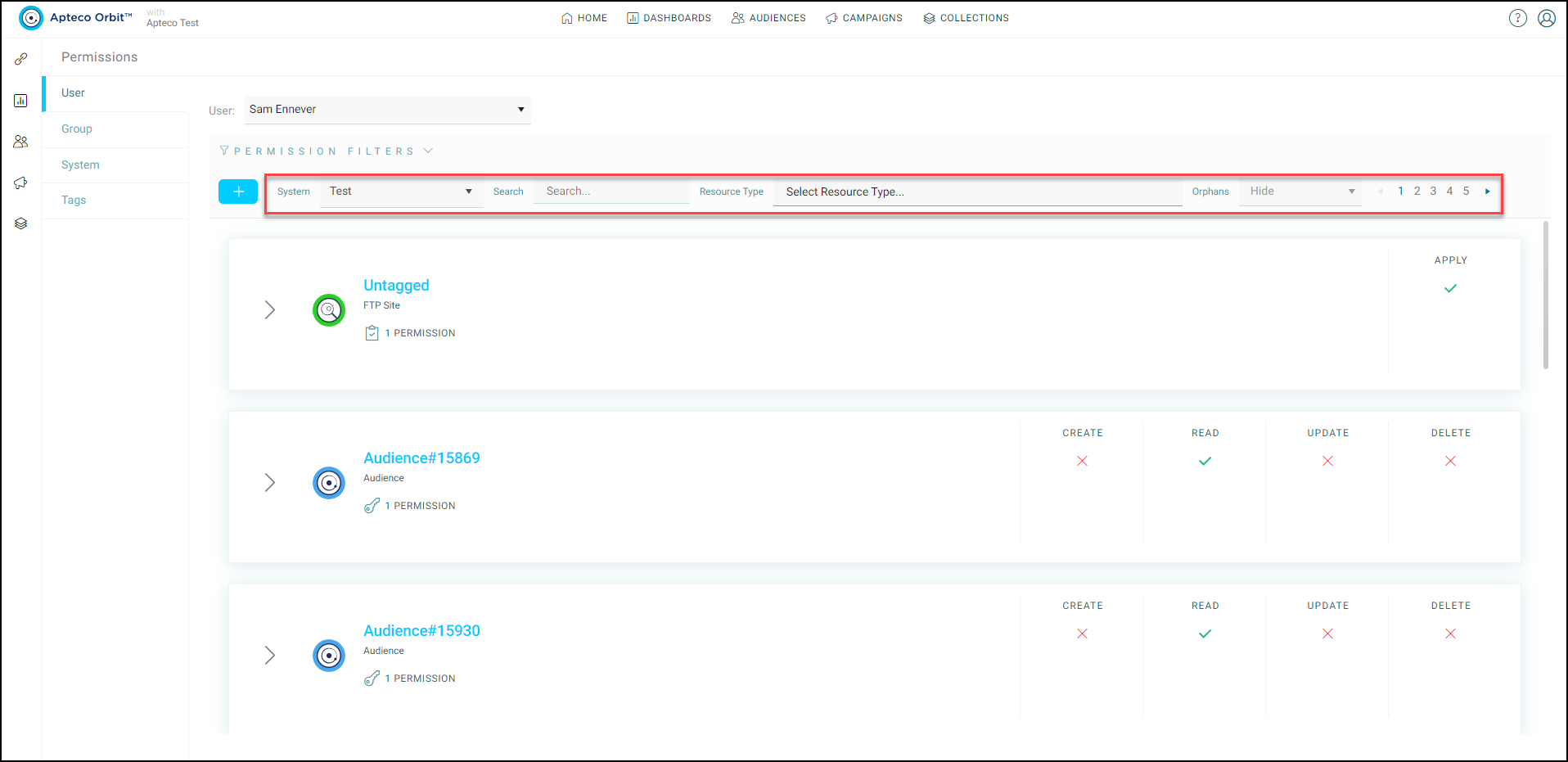
-
Select the User, Group, or System that you wish to view. Here you can observe exactly how permissions are being calculated.