Pure360 SMS

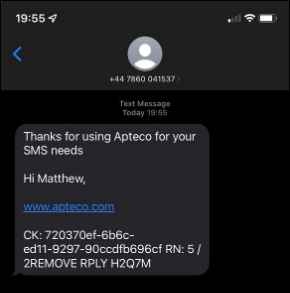
Apteco integrates with Pure360 SMS so that campaigns can send communications out as text messages via PeopleStage.
Prerequisites
- PeopleStage diagram configured
Setup
To configure a new PeopleStage channel:
- Sign in to PeopleStage with a user that has Administration access.
- Click File > Administration > Channel Editor.
- In the folder where you wish to create the new SMS channel, click the ellipsis menu.
-
Click Add… > Add SMS Channel.

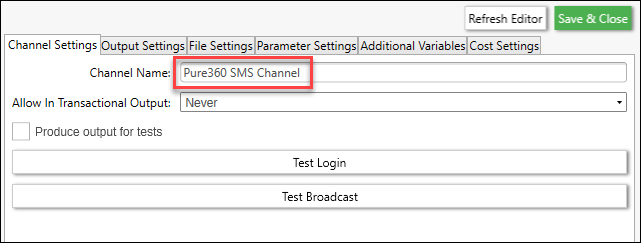
Row Item Description Mobile Number Variable Select the variable from the FastStats system for Mobile (this should be on the person table) Variable Description Override Optional, if the variable is called something different to Mobile Reply Email Address Contact Email Address for replies Reply Mobile Number Contact Mobile for replies Response File Key Type Recommended as Communication Key Message Content Type Broadcaster Template Row Item Description Message Delay Setting (in minutes) prevents Pure360 trying to send before the list is ready. Default is 5 minutes Admin From Email The from email address that administrative emails are sent from Encoding Encoding of the input file. Default is left as-is. Possible values: ASCII, BigEndianUnicode, UTF32, UTF7, UTF8, Unicode, Default Intelligent Timed Sending Indicator as to whether intelligent timed sending should be enabled. Default is falseList Language Code The language code to use when creating new lists on Pure360. Default is en_GB.ISO8859-15Max Api Retries Maximum retries on API calls. Default is 5 Maximum Deliveries Per Hour Limit delivery speed to a maximum of n deliveries per hour (minimum 1000). Default is unlimitedSecure Setting to truewill force the connection to Pure360 to become secure. Default isfalseUse Dated List Setting to trueadds a date and time stamp at the end of the list name. Default isfalse -
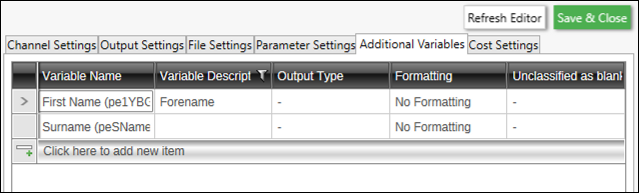
Add any required Additional Variables.
Note
Ensure that the Variable Description matches what is expected in the Pure360 SMS template.
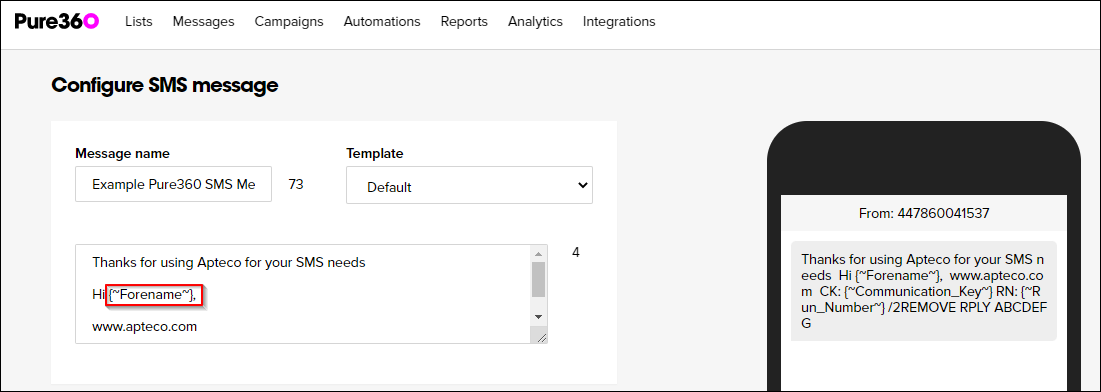
SMS campaigns in PeopleStage
Note
Pure360 expects the mobile number format as: 447855512345
- After creating the channel, refresh the PeopleStage Library.
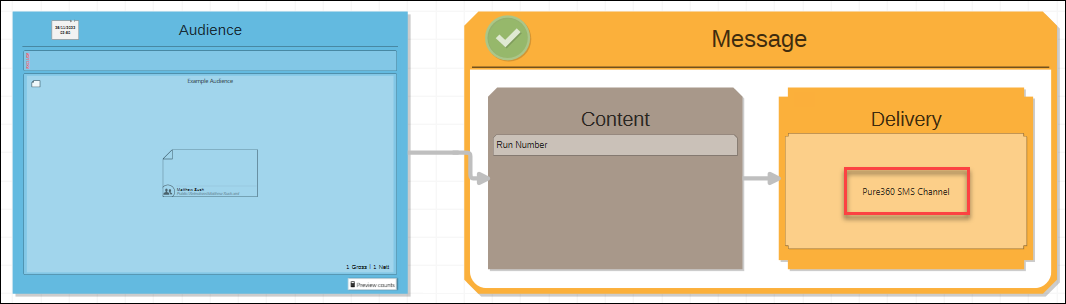
- Create a Person Level Campaign, with an Audience, Message (Content and Delivery).
-
Drag and drop the new Pure360 SMS channel into the Delivery step.
-
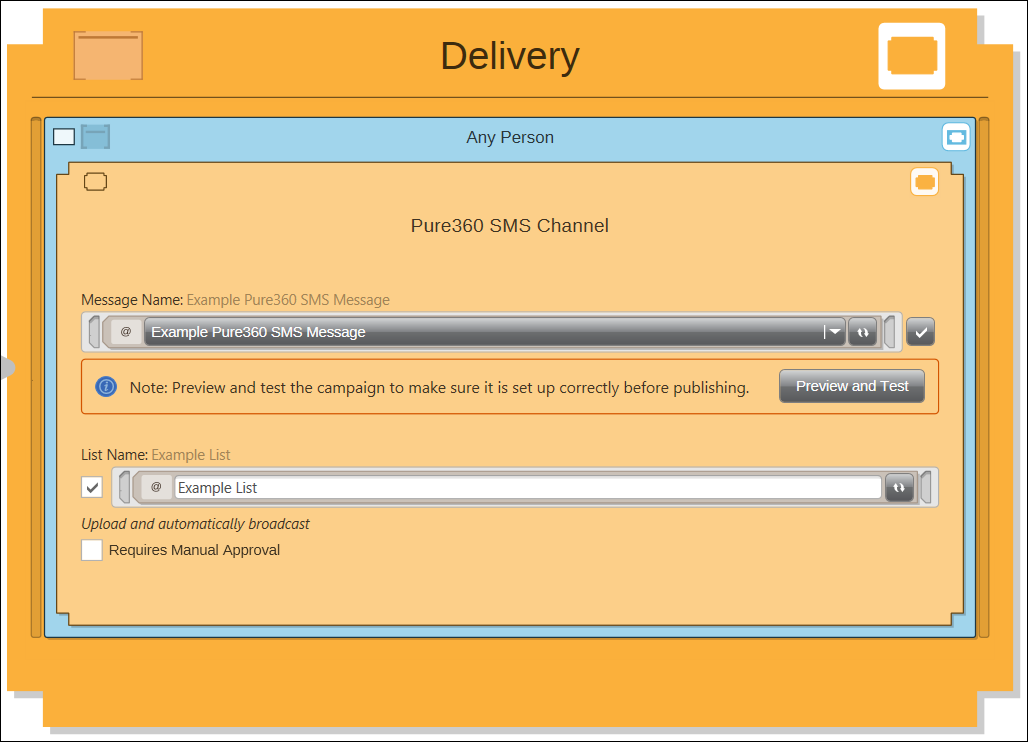
In the Delivery > Message Name, select the SMS Message template.
-
Schedule the campaign to run.