Salesforce
The Apteco Salesforce integration connects your Salesforce Sales Cloud data with Orbit. You can pull data from Salesforce into your marketing campaigns and send audience data back to your CRM.
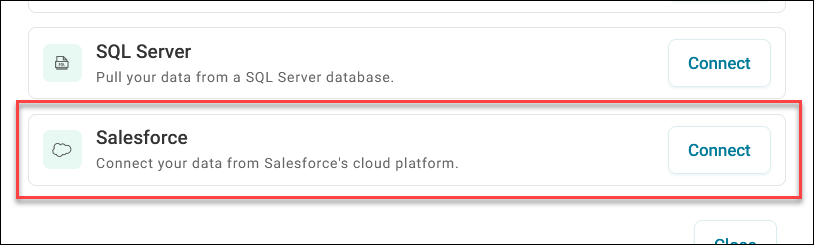
This integration eliminates manual data transfer between your systems. Your CRM data stays current with marketing campaign results, creating a unified view of customer interactions across your sales and marketing teams.
Data source
Connect Salesforce as a data source in Orbit to pull customer information into your marketing campaigns and analytics.
Example use case: Import lead scores, contact details, and purchase history from Salesforce to create targeted email campaigns based on CRM data and sales pipeline status.
To use Salesforce as a data source:
- Configure authentication and API access between Orbit Connect and Salesforce.
- Map the Salesforce fields you want to import into Orbit.
- Set up regular data synchronisation schedules.
See Salesforce data source configuration for detailed setup instructions.
See Salesforce user documentation in Orbit Connect for end-user guidance.
Campaigning
Automatically upload and update audience data from Orbit campaigns to your Salesforce Sales Cloud system.
Example use case: After running an email campaign, automatically update lead records in Salesforce with engagement data (opens, clicks) and campaign responses to help sales teams prioritise follow-ups.
To use Salesforce as a campaign destination:
- Create custom objects in Salesforce—see Setting up your Salesforce custom object and table.
- Create and configure the channel in Orbit—see Set up your Salesforce Sales Cloud channel.
- Add Salesforce steps to your Orbit journeys—see Using Salesforce Sales Cloud in a campaign.