Create drive time zone
Drive Time can be used to find people who live within a determined area, calculated on the number of minutes or the distance it takes to drive from a given point.
This example uses the plot map created here to generate a drive time zone of 20 minutes from the Warwick town centre.
Creating a drive time zone
- Right click on the map and, from the pop up menu, select Search...
-
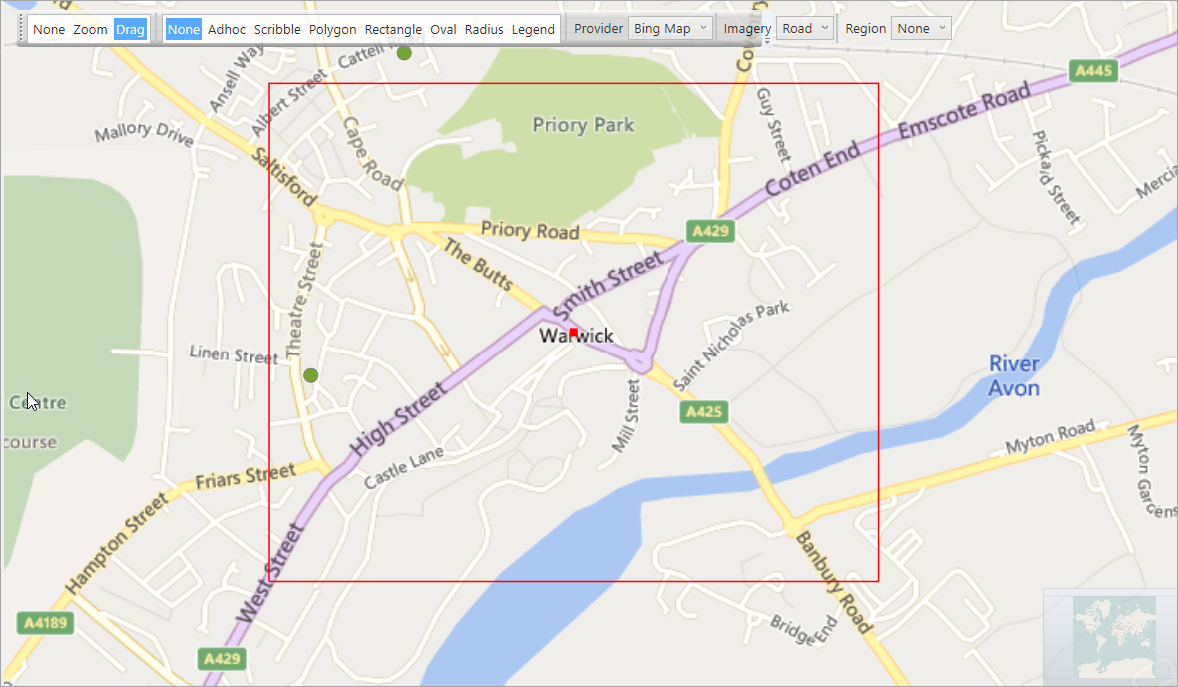
Type Warwick into the Location box and click OK.
Note
A specific postcode can be used as a starting point, if necessary.
-
Right click on the pin representing the location.
- Select DriveTime.
- Set the DriveTime to 20 minutes.
-
Click OK.
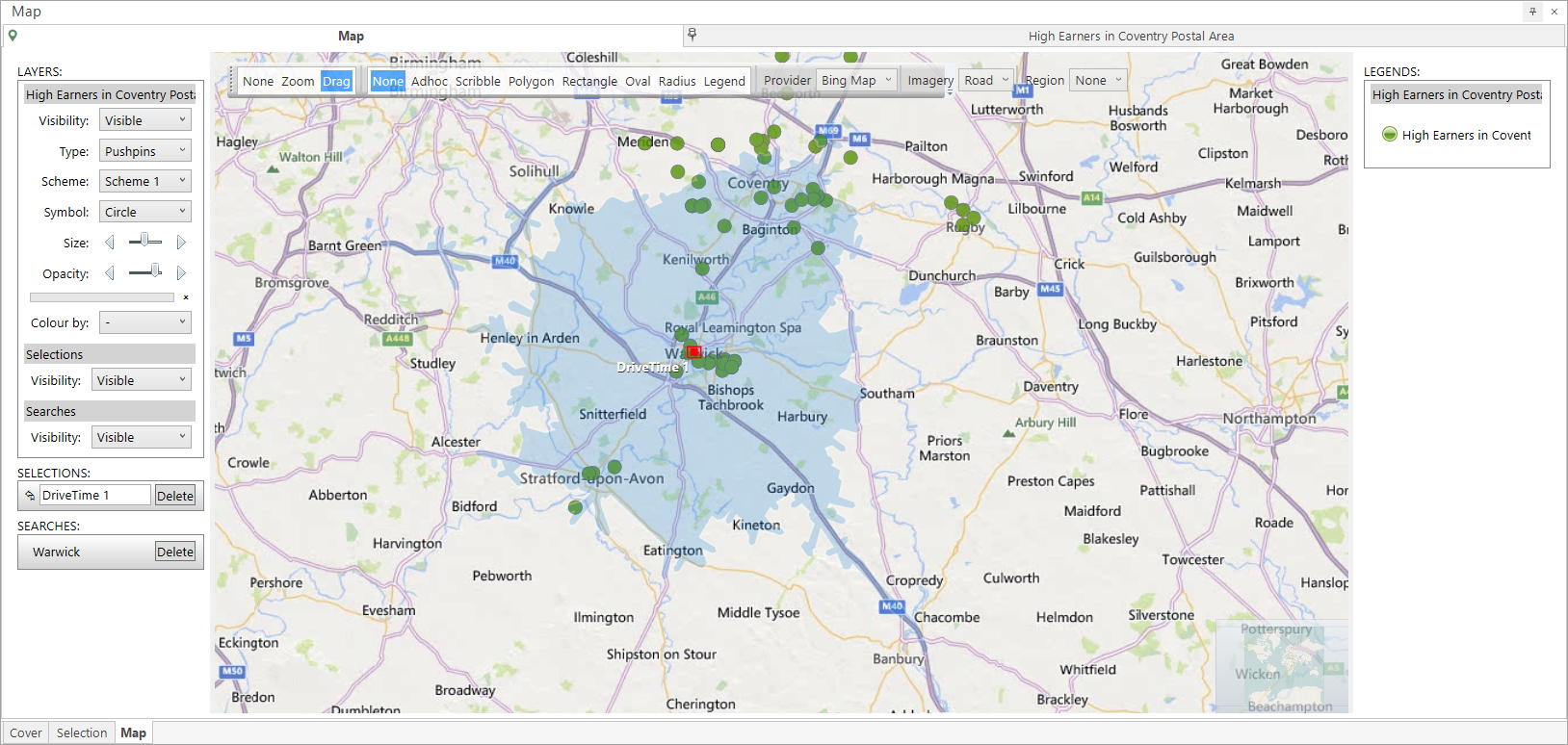
To establish how many people on the FastStats system live within this 20 minute drive time:
-
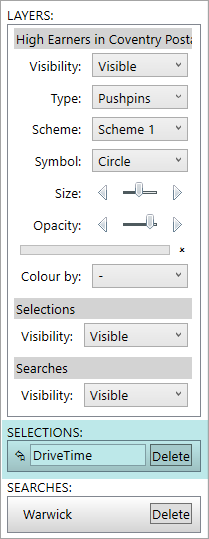
Navigate to the Selections section of the Layers panel where the item will now be entered
-
Click and drag the
 button onto the workspace to see and count the selection
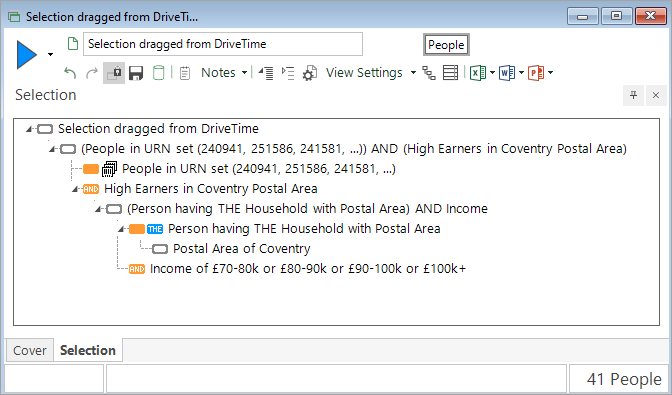
The result will be all the records shown on the map which can be reached within a 20 minute drive from the centre of Warwick - in this example, 41 people have been selected.