Additional cube statistics
A workbook cube can show a measure of the percentages in rows or columns.
To use additional cube statistics:
- From the Audiences tab, click + Add New.
- From the audience Tools menu, click Cube.
- Add a Cube Name, and click Create.
- Click Setup a Cube.
- Using the Cube Properties menu, click + Add Dimension.
- Search for and select the relevant Dimension.
- Click Apply.
-
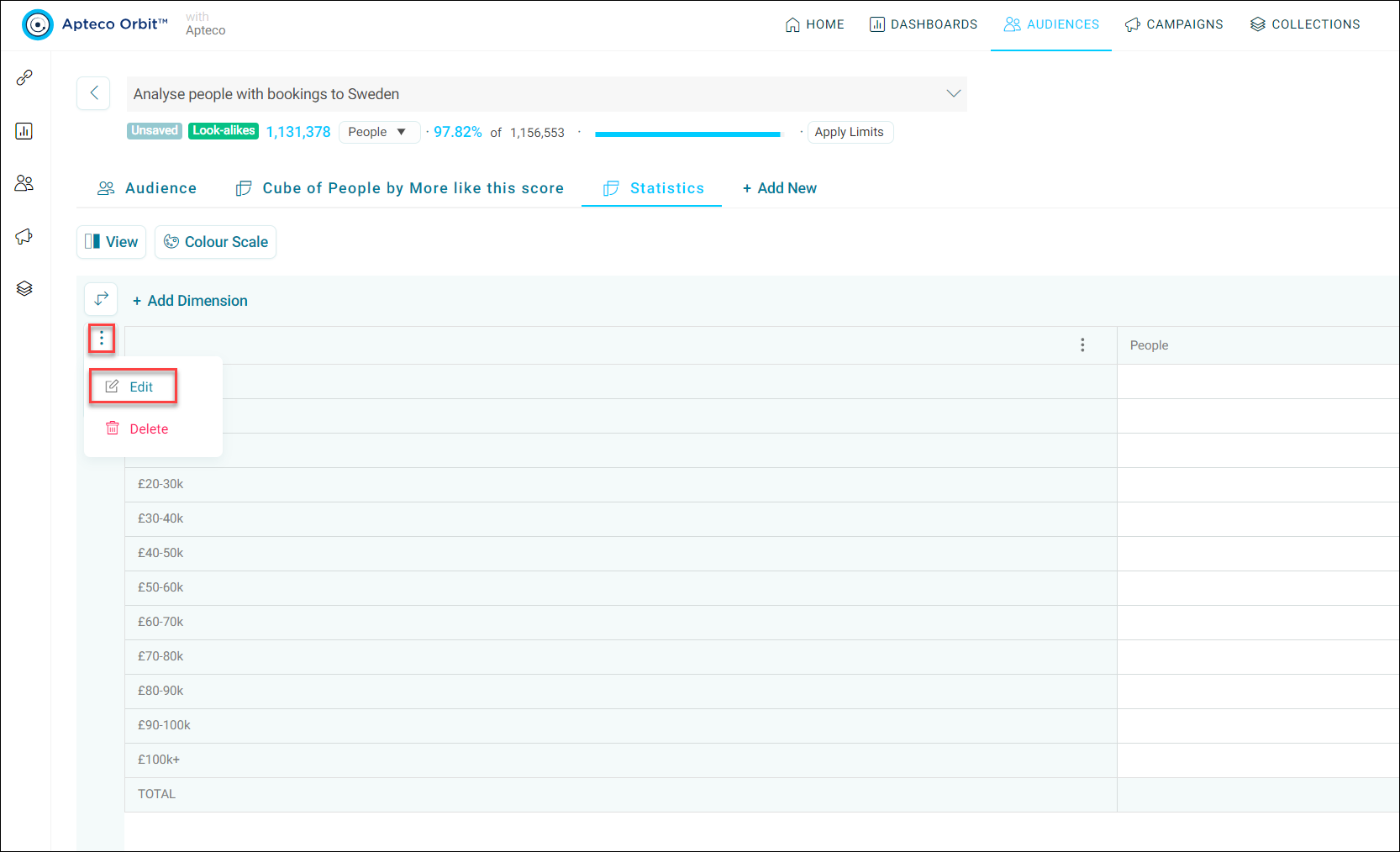
To analyse your results, click the ellipsis menu next to your dimension and click Edit.
-
From the Cube Properties side panel, you can use the Measures drop down to change your results accordingly. For example, changing Display As from General to Percentage of Column.
- Click Apply.
-
The cube now displays the percentage of each cell in a column.
Note
Validation errors may occur if the cube structure does not support the display type selected (for example, if you’re selecting percentage of column when there are no columns defined).