Cubes in audience workbooks
With cubes in audience workbooks, you can use powerful one and two dimension cubes to display multiple measures with reworked cube properties, a colour scale, and swappable dimensions and measures.
Creating a new cube
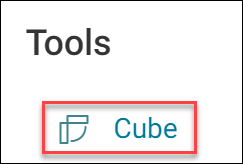
To add a cube to an audience, you can select it from the Tools menu on the Add New page.
Note
Give the cube a name so you can find it later in your workbook.