Editing an existing template
If you need to make small tweaks to an existing template before sending it, then you can do so during the journey building process.
To edit an existing template:
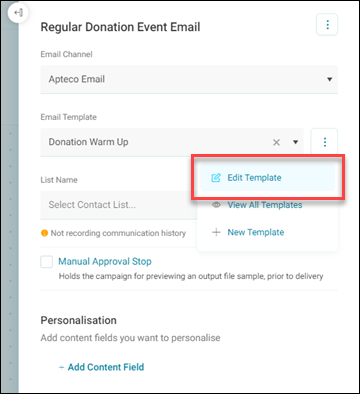
- Choose an email template from the drop-down menu.
-
Use the action button alongside this, and click Edit Template.
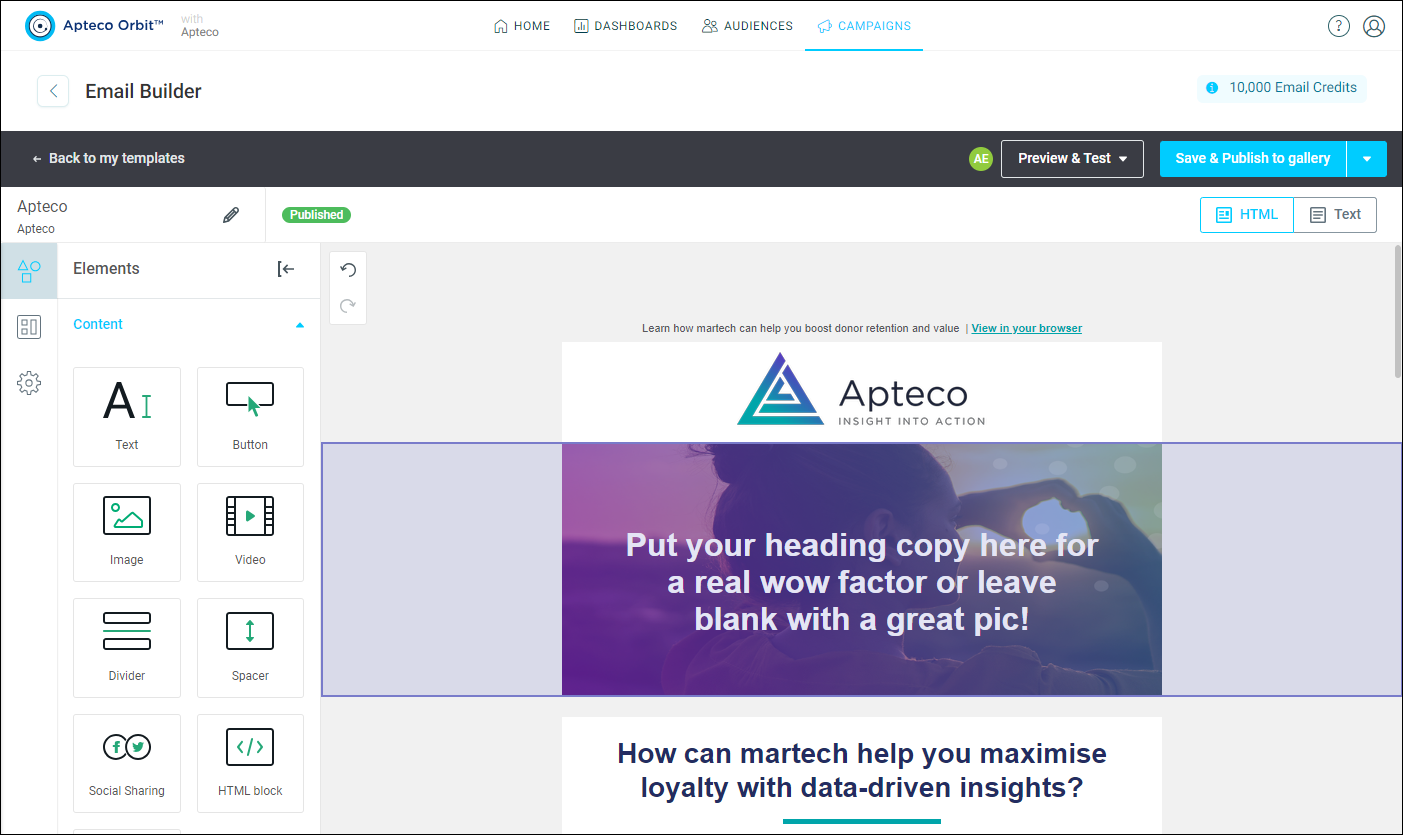
Editing the template launches the email builder, where you can amend and republish the template.
Note
See Email builder.