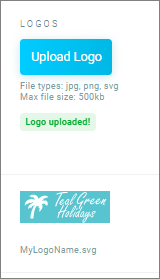
Dashboard logos
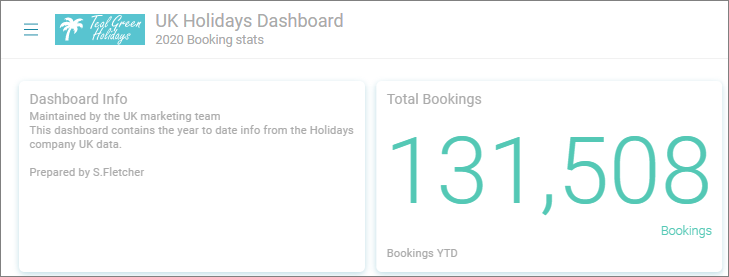
Orbit can use custom logos with any custom theme or individual dashboard.
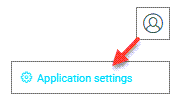
Select Application Settings from the User Menu in the top right
Note
The Application Settings page will only be visible if you have admin permissions.
Dashboard logo
The Dashboard Logos page view lets you to upload logos to your Orbit system, you can change which logo is used with a theme in the Dashboard Themes page or select an uploaded theme to use on a dashboard.
Create or adjust your logo to a maximum: - width 100 pixels and height 35 pixels
The image file type can be jpg, png or svg and will be scaled to fit.
Note
SVG images will render best and look crisp, especially if the image is scaled.
Uploading a logo
- Click Upload Logo and browse to select your logo