Settings view
The Settings view allows you to set the action taken in various situations, for example, in the event of a Delivery Failure or a Schedule Error.
Settings can be controlled at any level of the diagram, from an individual Message or Campaign to a whole Area.

Delivery failure settings
- Select the Settings view on your Campaign
- Click on the Delivery… On Failure action
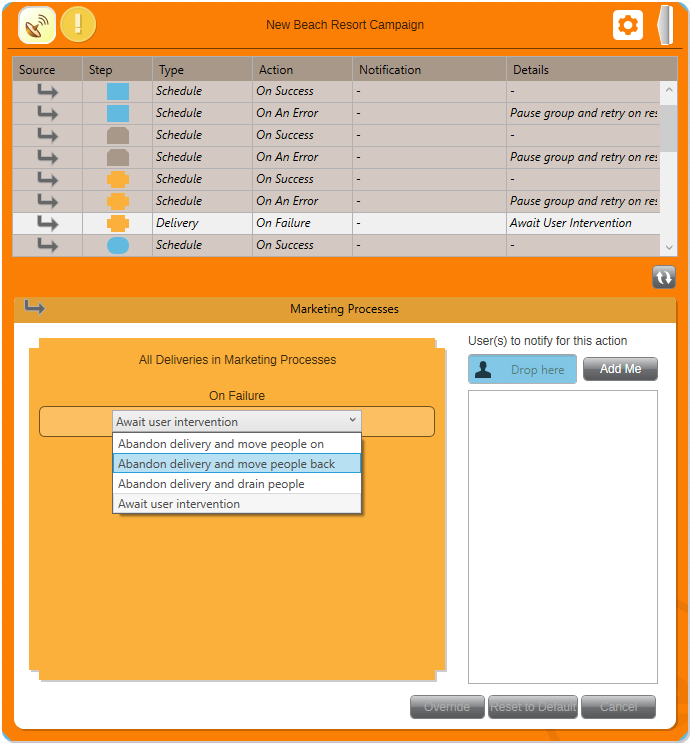
Clicking on an entry in the table allows the setting to be modified in the panel below. Any changes override the default that has been inherited from the outer levels of the diagram and are applied to all inner levels.
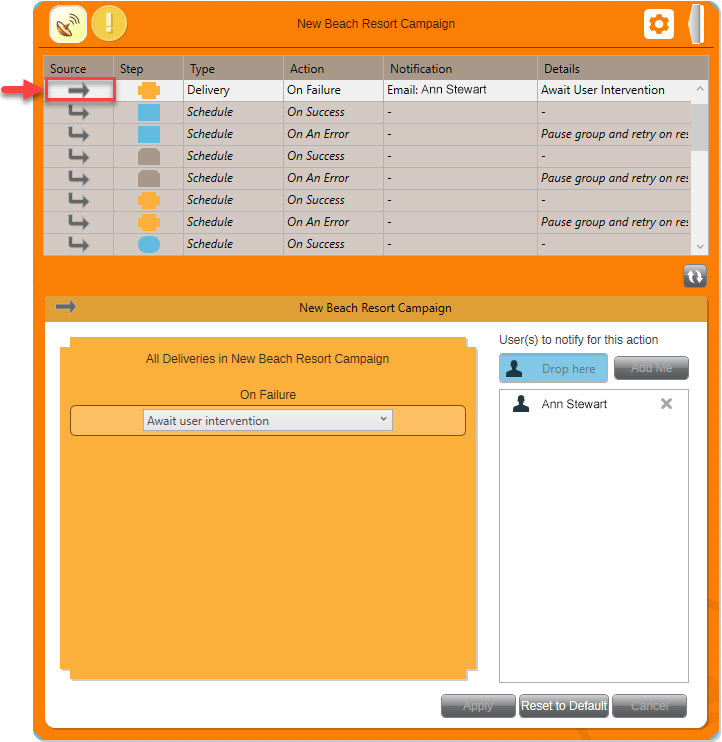
The default action for On Failure of a Delivery is to await user intervention. You could select here to automatically abandon the delivery.
Tip
Notifications can also be requested, for example, if an error occurs. Other FastStats Users can be dragged in to the blue panel to also receive notification.
Store history settings
The Store History settings can be used to reduce the amount of data stored in the PeopleStage database, provided that the history isn't required for enforcing communication constraints.
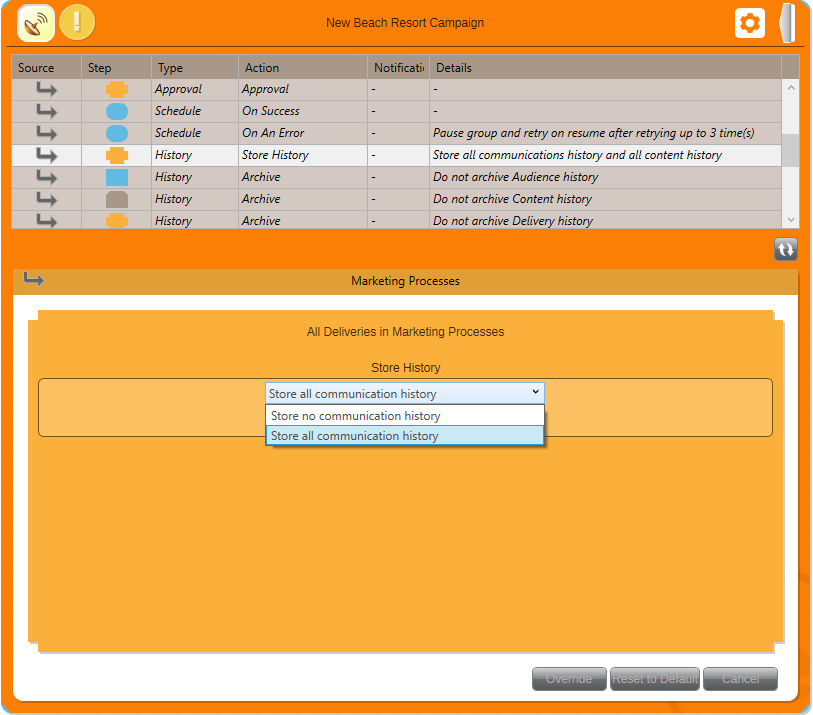
Archiving settings for the Campaign or Area are also available here. See Administration of archiving in PeopleStage.