Data packages
Data Packages allow an easy connection to data provided in pre-packaged, AES encrypted zip file.
Connecting to a data package
To connect to a data package:
-
Create a new Database Data Source
-
Choose the FastStats Data Package provider
-
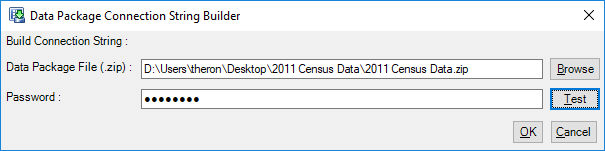
Edit the connection string using the dialog:
-
Browse to the data package .zip file
-
Enter the password for the data package
-
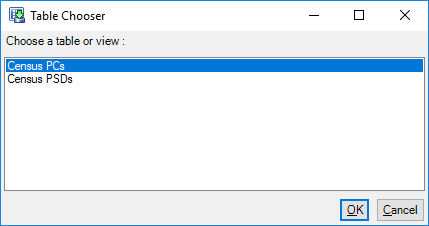
You can now choose tables in the package and add them to your FastStats System.