URN transformations wizard
Note
There have been recent changes in the software. What you see here may not directly reflect what you see in the interface, but will be updated as soon as possible.
The URN Transformations Wizard can be used (where configured) to perform transformations on sets of URNs (Reference numbers). These transformations can include connecting to external databases to convert one set of URNs into another. In the following example the term URNs has been substituted by the client for DUNs.
Transformation type
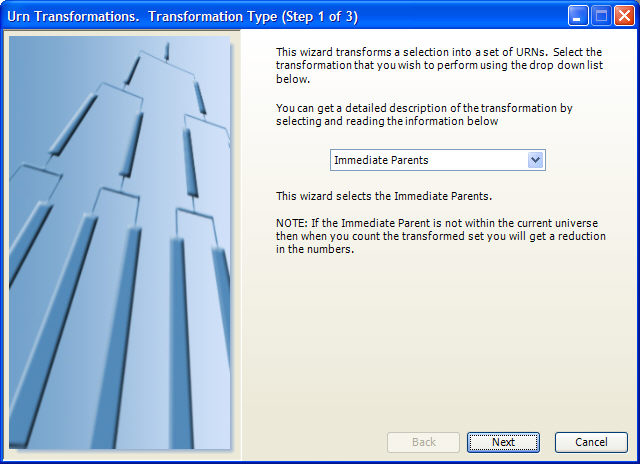
Different URN Transformations will be made available to you in the wizard, along with a description. Choose the type of transformation you want from the drop down menu.
Selection
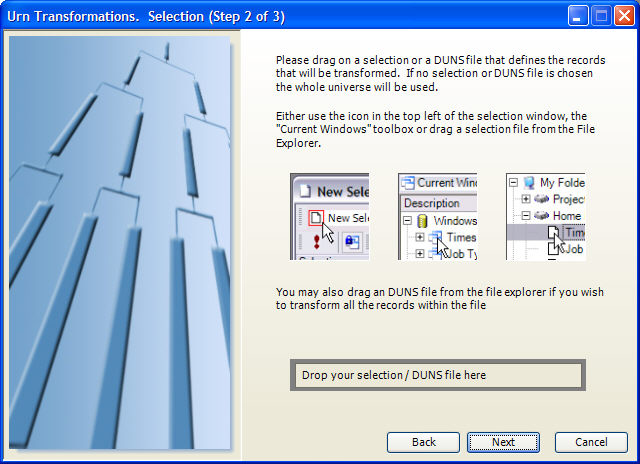
Specify the set of URNs that you want to translate by dragging a query or a URN file (from the Files explorer window) onto the Drop your selection / urn file here.
Name
Finally, specify the name of the file to be created. This will then be generated in your private directory.
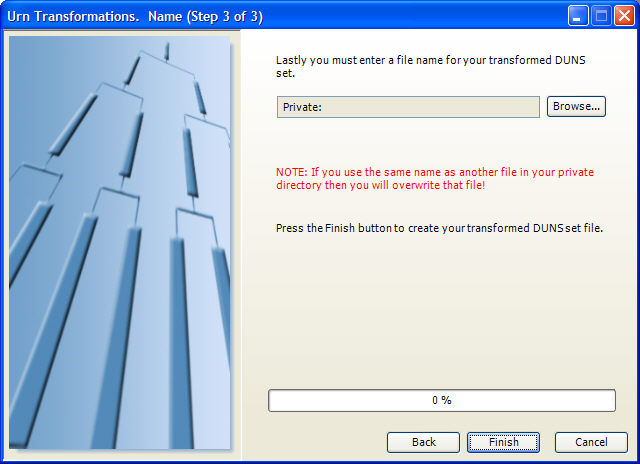
Click Finish to close the wizard.