Setting a schedule
You can set a schedule for your campaign to run at a required date, time, and time zone.
- Open your campaign journey.
-
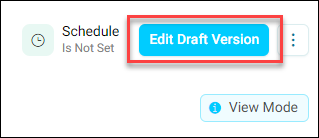
If you are not already in Edit mode, click Edit Draft Version.
-
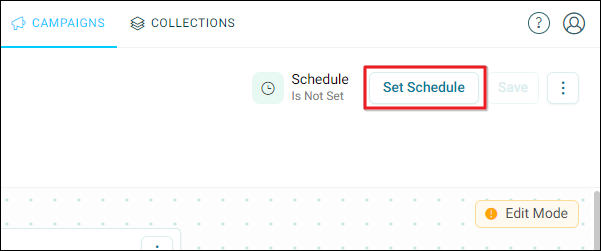
Click Set Schedule.
-
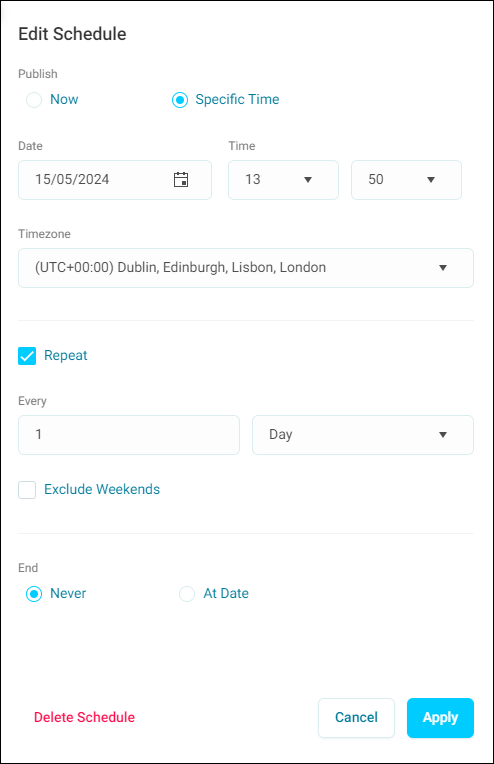
Select the schedule required:
- Now: A single instance.
- Specific Time: A schedule on a specific date and time.
-
Select the timezone.
-
Choose whether you want the schedule to repeat and how often.
Note
You can choose to exclude weekends.
-
You can now set an end date for your campaign.
-
Click Apply to save your changes.
-
Click Save to save your schedule.
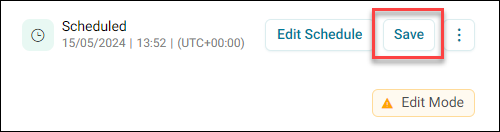
You have now set a sechedule for your campaign.