Licence tab
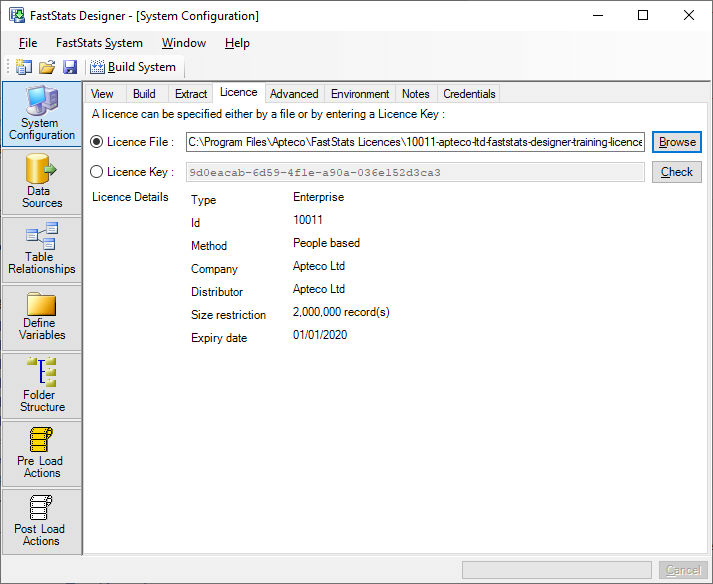
FastStats Designer reads the expiry date and the allowed data capacity from the licence. It is important to use the correct licence as FastStats will not load more than the number of records licensed.
The displayed Licence Details is for information only. Note that the licence terms are in the FastStats Licence Agreement and the number of licensed users and capacity is as recorded on the sales invoice.
How do i specify a licence?
A licence can be specified with a path to the Licence File or by entering a Licence Key. In both cases environment variables can be used.
FastStats Designer will attempt to connect to Apteco Ltd servers to verify the licence and to check if a more recent licence is available. If you use a licence key then this connection is required, if you use a licence file then this connection will be attempted but is not required.
What happens if my licence expires?
You will get a warning in the dialog and in the build log if your licence is about to expire.
If FastStats Designer can connect to the Apteco Ltd licence servers and a newer licence can be found then it will be used. If a connection to the Apteco Ltd servers is not available then the build will fail and a new licence file will have to be downloaded and specified.
How big a system will my licence allow me to load ?
Licences are People based and FastStats Designer limits the build to the number of records in the nominated People table as defined on the table relationships diagram.