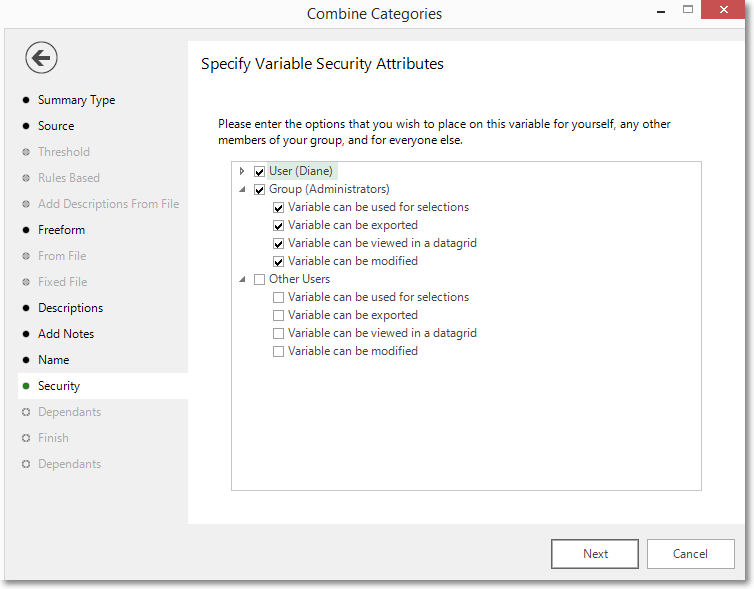
Security
When creating a Virtual Variable on an enterprise version of FastStats, you have the opportunity to modify the security attributes.
You can set the options for who sees the variable, or what they can do with it, including yourself, other members of any groups you are assigned to, and any other users on the system.
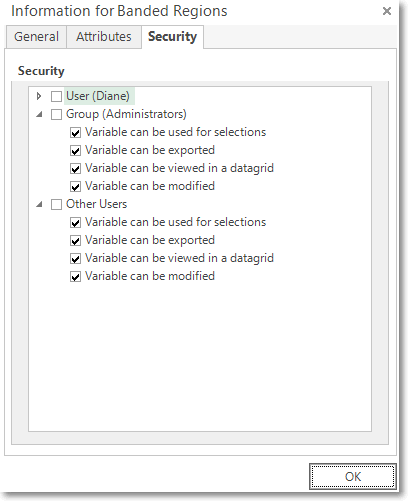
Existing virtual variables
-
Right click on the Virtual Variable → Properties → Security
During wizard creation
When creating a virtual variable, the option to change the security attributes for that variable can be accessed via the Name page:
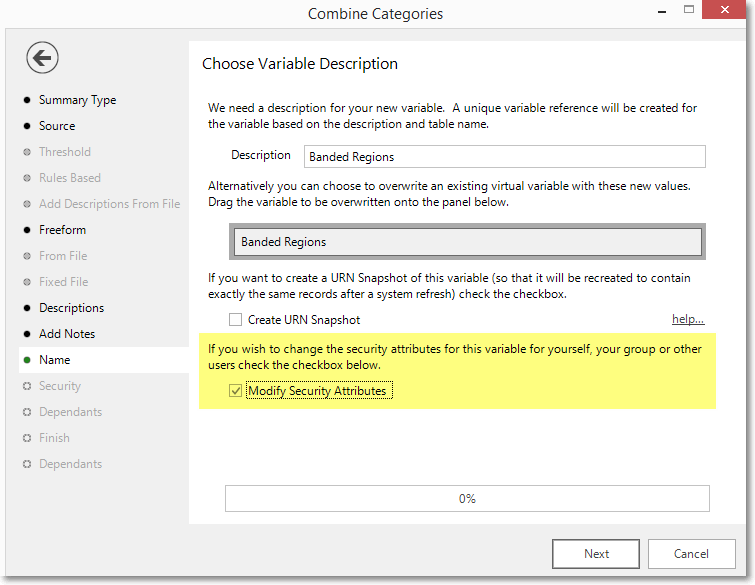
- Check the box to Modify Security Attributes
-
Select or deselect the options as required before clicking Next to proceed