Personalise your content with variables
Once you've prepared your personalisation properties in the journey builder, it's time to build your content.
To personalise your content:
- Open the email builder.
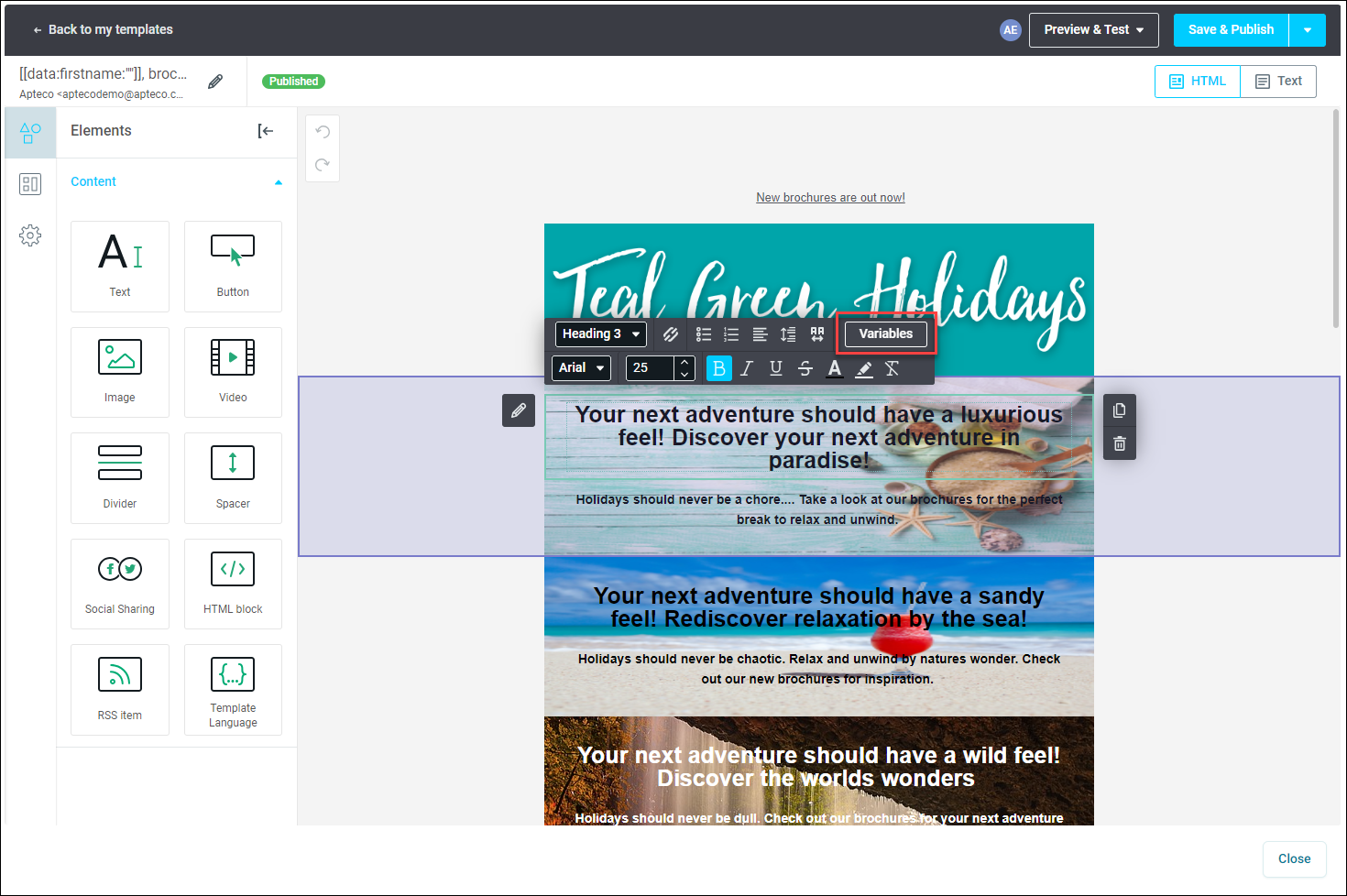
- Choose the specific text frame in your email where you want to showcase the personalised content.
-
Navigate to the menu bar and click Variables.
Note
Variable names mustn't contain spaces, while conditions can.
-
Select the contact property that best suits the content you want to personalise.
- Click Insert, and your content will incorporate the chosen contact property.
Tip
Remember, you can modify the default text whenever needed by simply overwriting it.