Creating a campaign goal
To begin defining a clear campaign goal and track your progress, we need to set up a goal in the journey builder. This involves defining what measure to track, setting an optional target, and choosing a timeframe.
The example below is a campaign promoting a new holiday destination. The purpose of the campaign is to increase holiday bookings.
Pre-requisites
- Communications history tables: Your system must have communications history tables built in to track campaign interactions.
- Record communications history setting: Enable Record Communications History in your campaign settings.
Creating the campaign journey
To begin setting up a campaign goal:
- From the Orbit home screen, click Campaigns.
-
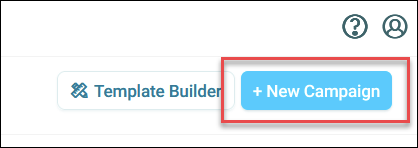
Either select an existing campaign, or create a new one.
-
Begin by choosing a target audience and set up your communications.
-
Click the option menu in the top-right corner, then click Campaign strategy.
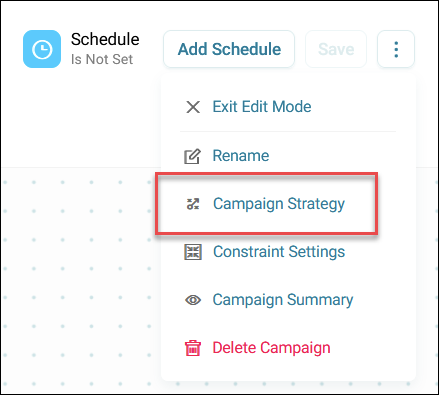
This opens the campaign strategy side panel where you can define your campaign goal.