Export a dashboard as PDF
Export entire dashboards as PDF files to share insights, include in reports, or save for offline reference.
To export a dashboard:
- Open your dashboard in view mode.
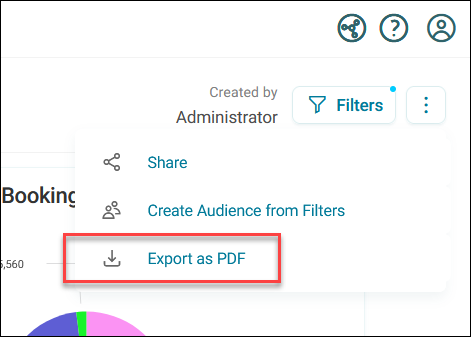
- Click the option menu in the top-right corner.
-
Click Export as PDF.
-
On the export preview screen, edit the PDF File Name (up to 100 characters).
- Select which tabs to include in the export using the checkboxes.
- Click Refresh Preview to update the preview with your changes.
- Click Export.
Your PDF downloads with the selected tabs displayed sequentially in a single document.
Note
Images hosted on external domains are only exported if the server provides permissive cross-origin HTTP headers. If images appear missing in your exported PDF, this may be due to cross-origin restrictions.