Personalisation
Personalisation in transactional emails allows you to create a more tailored experience for your recipients. By using data variables, such as a company type, you can dynamically adjust the content of your emails based on specific conditions from the journey builder.
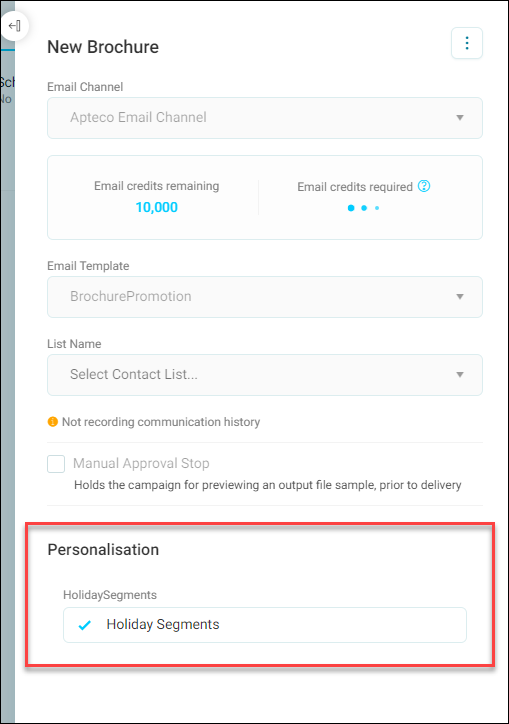
You can customise campaign text—first name, last name, salutation, email, gender, city, and more.
Note
When adding personalisation fields to email content with Apteco email, Orbit sets the default field type to Variable.
Personalise your content with variables
Once you've prepared your personalisation properties in the journey builder, it's time to build your content.
To personalise your content:
- Open the email builder.
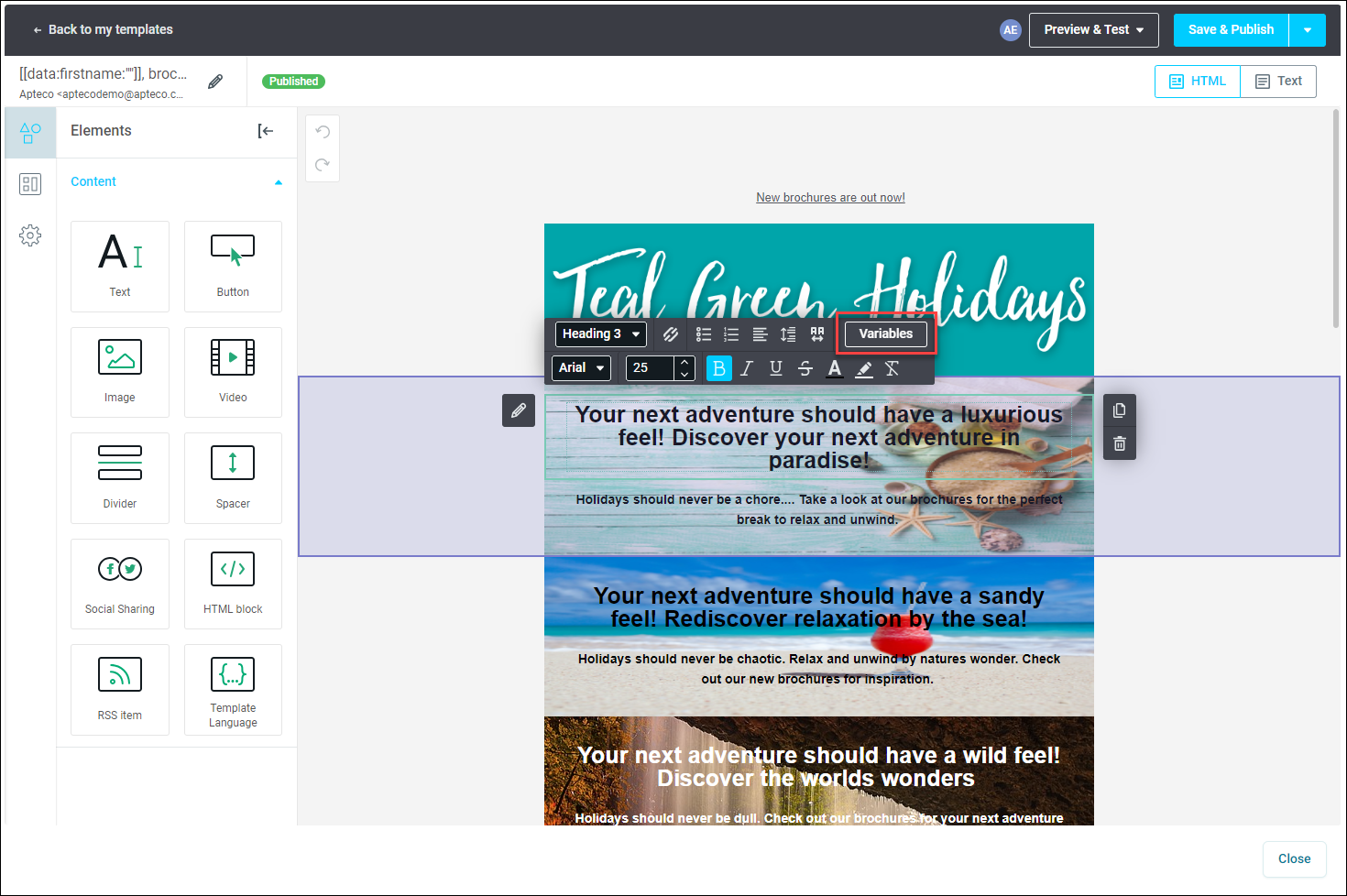
- Choose the specific text frame in your email where you want to showcase the personalised content.
-
Navigate to the menu bar and click Variables.
Note
Variable names mustn't contain spaces, while conditions can.
-
Select the contact property that best suits the content you want to personalise.
- Click Insert, and your content will incorporate the chosen contact property.
Tip
Remember, you can modify the default text whenever needed by simply overwriting it.