Saving and publishing
After completing the template editing, you need to save and publish it to the gallery so that it becomes available for selection.
To save and publish a template:
-
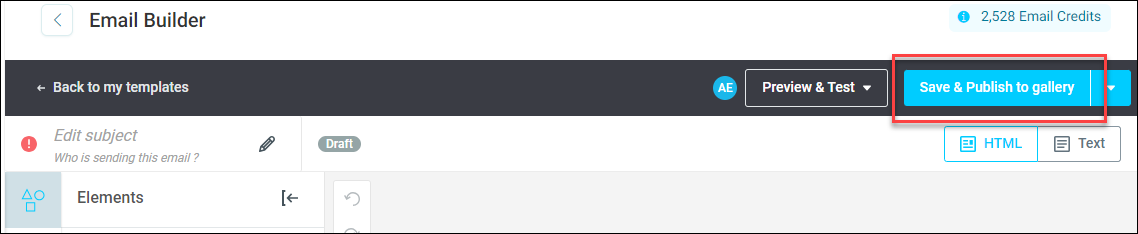
Click Save & Publish to gallery.
-
To confirm, click Yes, publish changes. This takes you back to your templates screen.
As Apteco software creates the campaign as part of using this template, it is best to go to Return to templates to see all the available templates to this user.
Note
For more detailed documentation on how to use the email builder, click here.