Package FastStats service logs
The FastStats service logs are a key tool for diagnosing issues within Apteco software. Any jobs submitted to the FastStats Service via FastStats, PeopleStage, or Orbit are logged there. Jobs are highlighted as follows:
- Amber: Warning
- Red: Error
Creating a log package
When Apteco asks for a copy of the service logs:
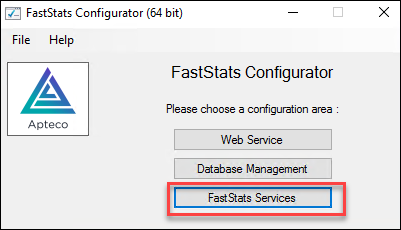
- Open the FastStats Configurator on the server and click FastStats Services.
- Highlight the Service.
-
Click View log.
-
Click File, then Package log files.
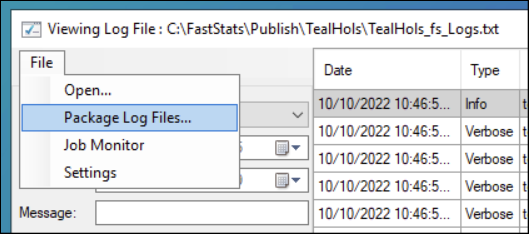
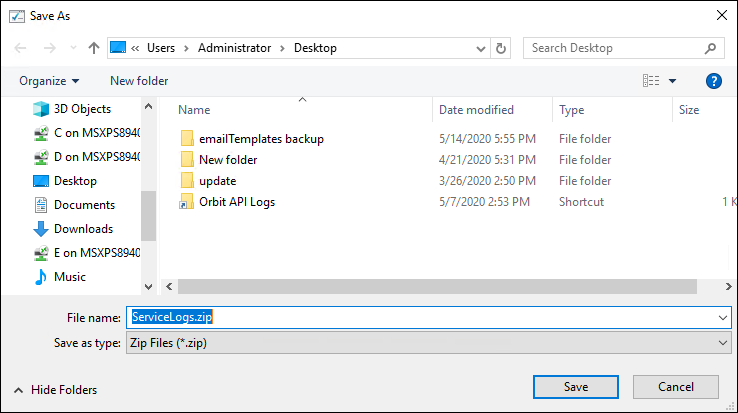
A zip file is created for you to send to Apteco.
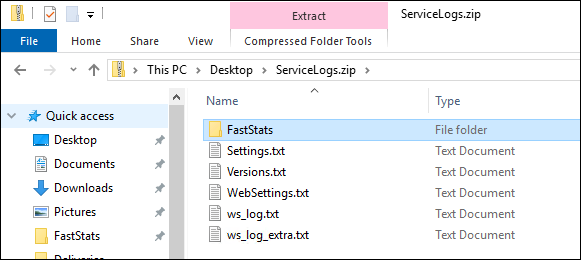
Contents of the zip file
The zip file contains the same files that the FastStats Configurator uses when viewing the log, allowing Apteco to open it directly with the FastStats Configurator.
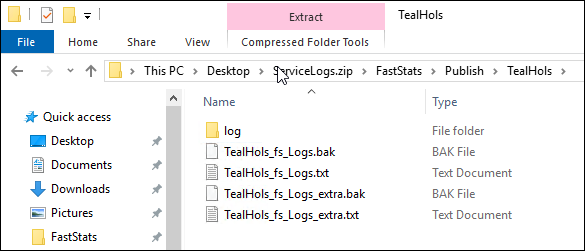
The zip file also contains a few text files that provide Apteco with information such as your software release version.