Custom fields in Dynamics 365
Create custom fields under a table
-
A default field called new_name is created by Microsoft Dynamics.
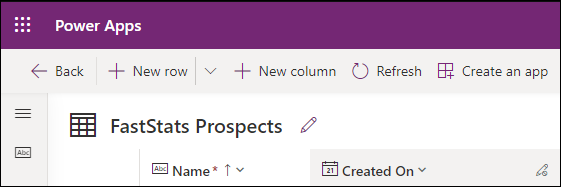
-
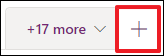
For the FastStats URN, click + to add a new column.
-
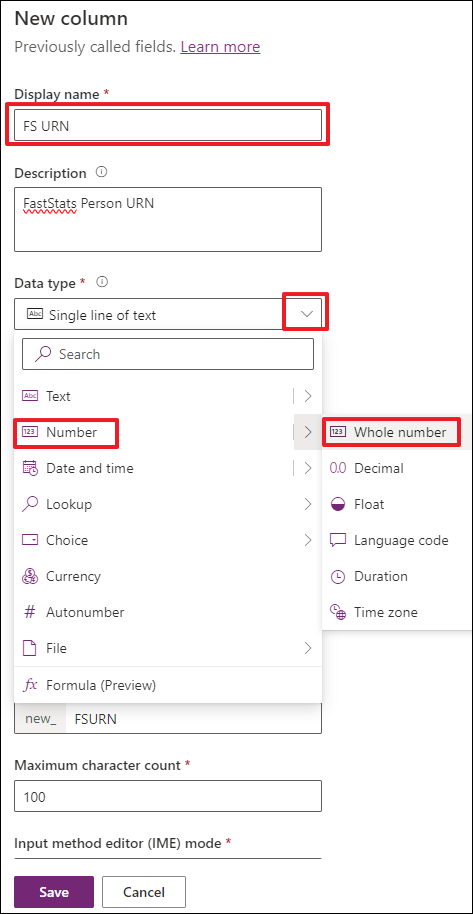
Use the data type panel to select the type of field.
-
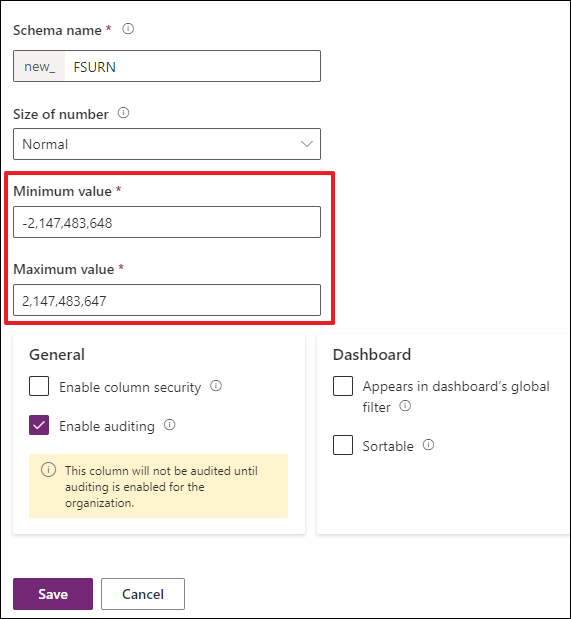
After choosing Whole Number, the value range fields update.
-
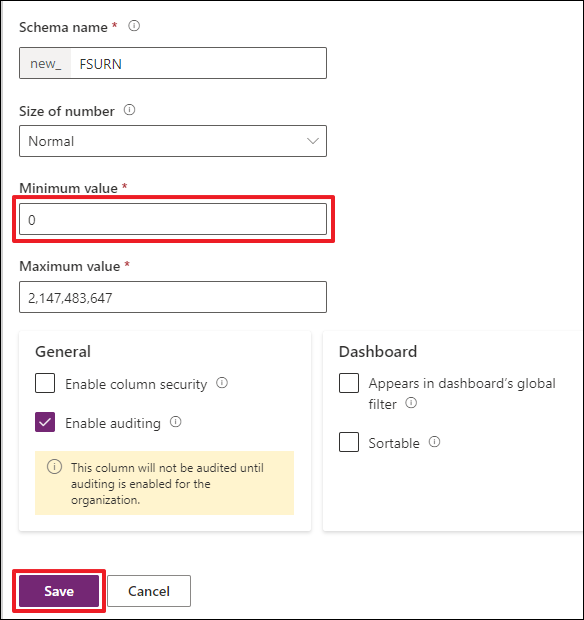
Change the minimum value to 0 and click Save to add the column.
Note
You cannot change the data type once a field is created, with the exception of changing a text field to an autonumber field.
-
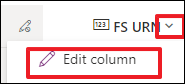
To find the logical name, click the down arrow and then Edit column.
-
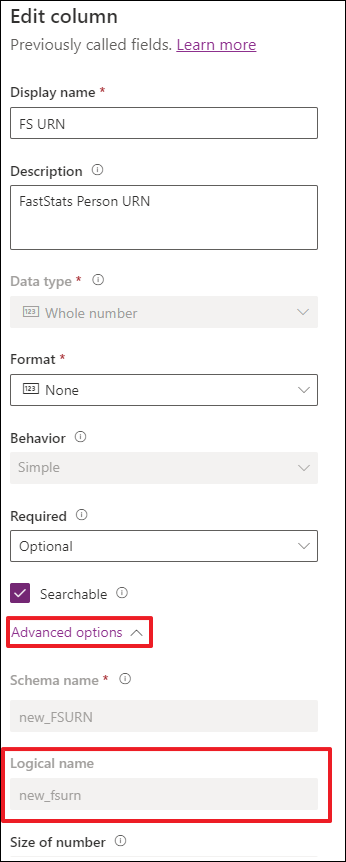
Click Advanced options to see the Logical name, which is what is used in FastStats.
Note
The logical name is case sensitive.
-
New column FS URN definition:
Item Description Display name FS URN Description FastStats Person URN Type Whole Number (Integer) Minimum value 0 (zero) Schema name new_FSURNLogical name new_fsurnNote
Use the default values for all other fields.
-
Click + Add field and repeat the process for the following fields.
Tip
The following data items are examples only"”use data types, naming convention, and field length to match your data model.
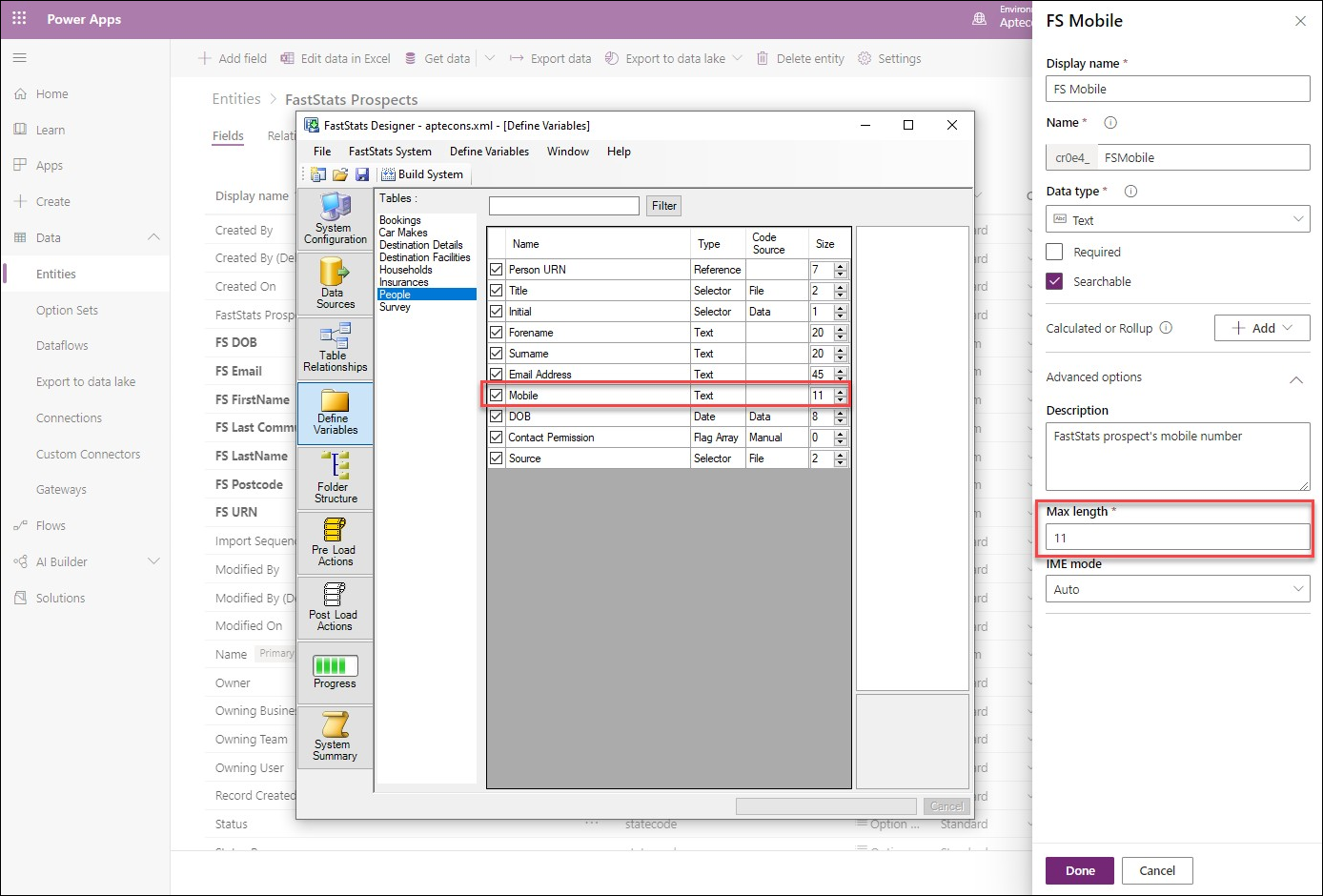
FS Title
| Item | Description |
|---|---|
| Display name | FS Title |
| Description | FastStats prospects title |
| Type | Single line of text |
| Maximum character count | 100 |
| Schema name | new_FSTitle |
| Logical name | new_fstitle |
FS Initial
| Item | Description |
|---|---|
| Display name | FS Initial |
| Description | FastStats prospects initial |
| Type | Single line of text |
| Maximum character count | 100 |
| Schema name | new_FSInitial |
| Logical name | new_fsinitial |
FS Surname
| Item | Description |
|---|---|
| Display name | FS Surname |
| Description | FastStats prospects surname |
| Type | Single line of text |
| Maximum character count | 100 |
| Schema name | new_FSSurname |
| Logical name | new_fssurname |
FS DOB
| Item | Description |
|---|---|
| Display name | FS DOB |
| Description | FastStats prospects date of birth |
| Type | Date only |
| Schema name | new_FSDOB |
| Logical name | new_fsdob |
FS Email
| Item | Description |
|---|---|
| Display name | FS Email |
| Description | FastStats prospects email address |
| Type | Single line of text |
| Maximum character count | 100 |
| Schema name | new_FSEmail |
| Logical name | new_fsemail |

The FastStats Prospects entity is visible in the Sales menu.
Note
Use Create Personal View or create a Dashboard to view the uploaded data"”there are many ways to customise Views and Dashboards in Dynamics 365.