Facebook app setup
To use the Apteco Facebook integration you need a Facebook App registered in the Meta developer portal. This page covers creating a new app and configuring it for use with FastStats.
Creating a new Facebook App
- Sign in to Facebook and go to developers.facebook.com.
- Click Create App.
-
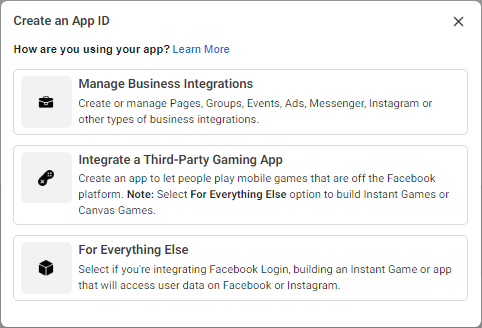
Choose Manage Business Integrations.
-
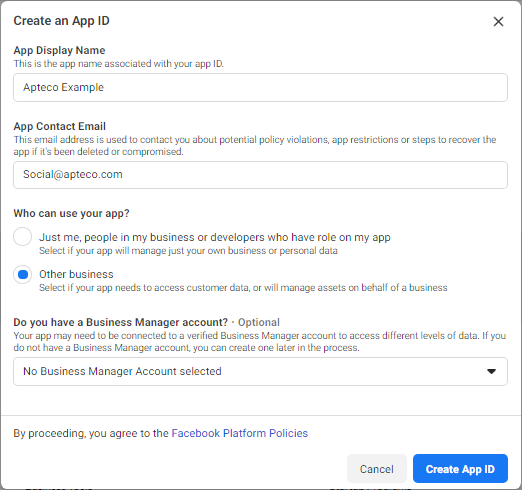
Enter:
- App Display Name
- App Contact Email
-
For "Who can use your app?", select Other business.
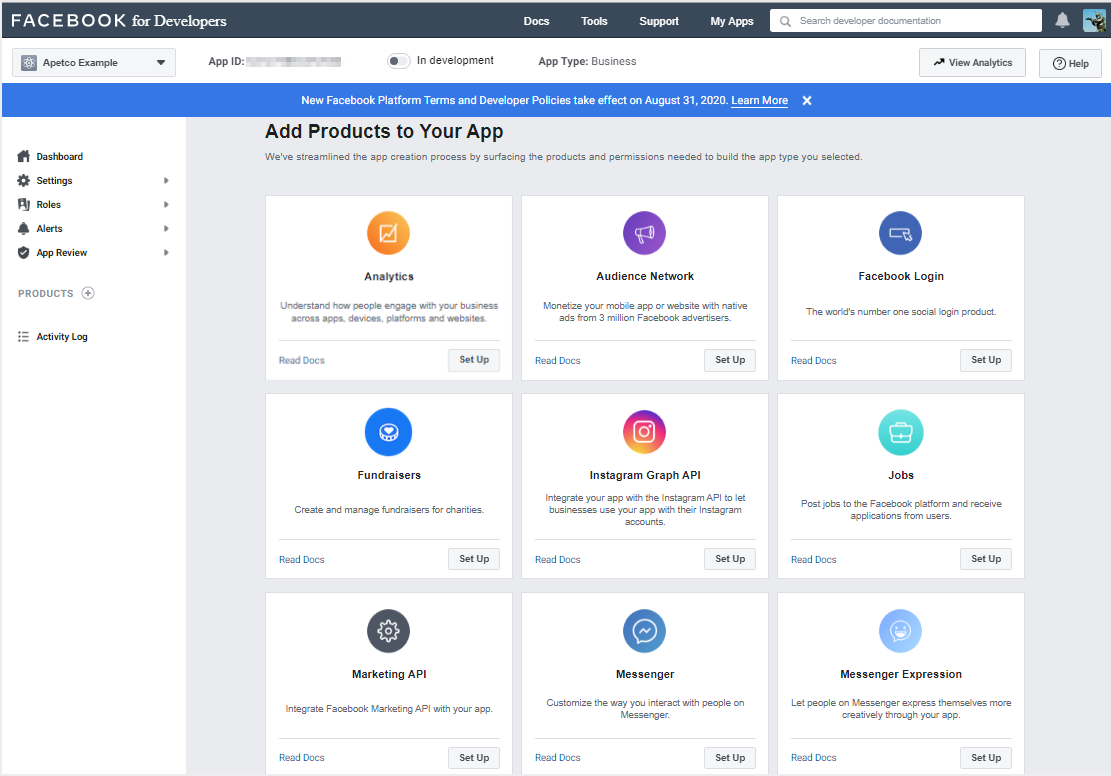
Add products to your App
Add the Facebook Login and Marketing API products.
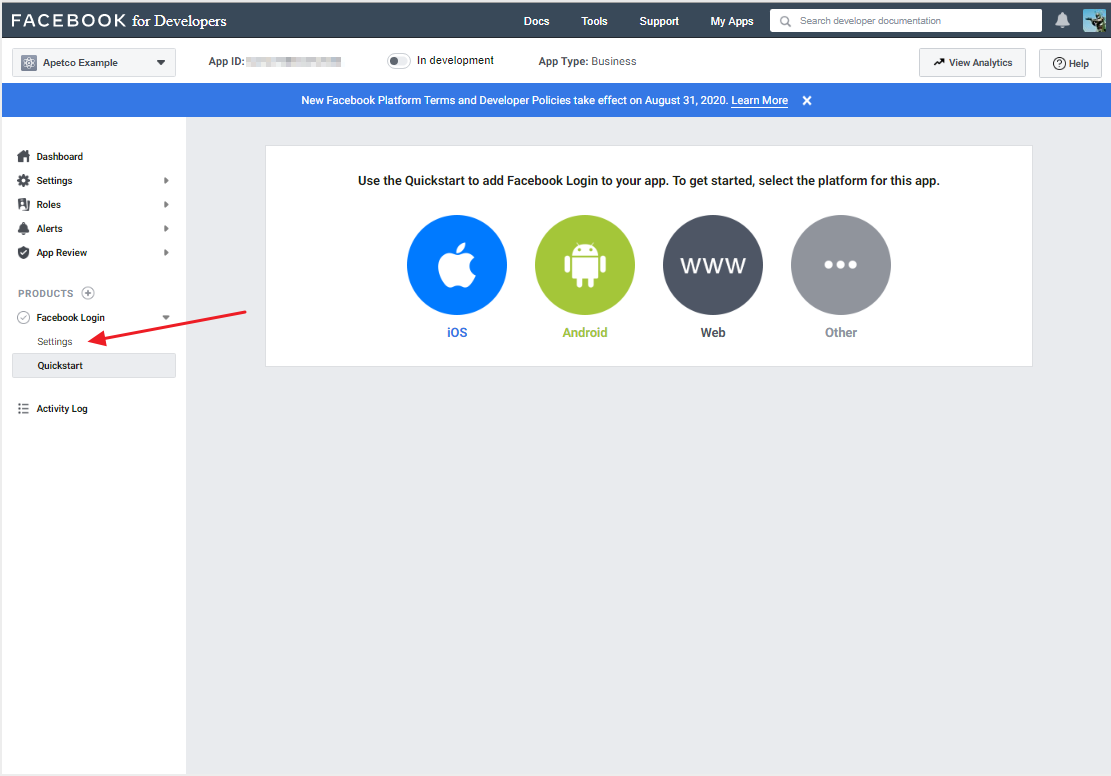
Under Facebook Login settings:
- Set Embedded Browser OAuth Login to Yes
- Enter the Valid OAuth Redirect URI as your company's website (must be HTTPS)
- Click Save Changes
Configuring the App (Basic settings)
Update the following fields under Basic settings:
- Namespace (all lowercase)
- Contact Email
- Privacy Policy URL
- Terms of Service URL
- App Icon
- Category—choose the category that best suits your business
- Business Use—choose Support my own business
Setting up a Facebook Ads Campaign
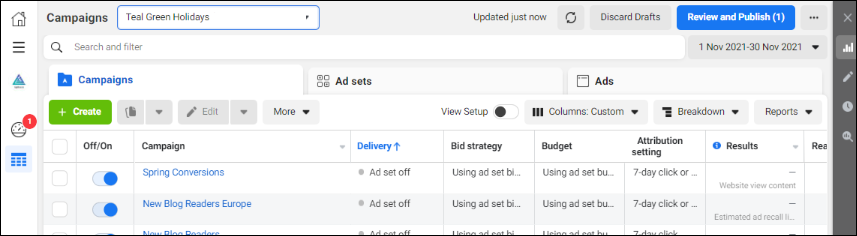
You only need to create a Facebook Ads Campaign for each supported objective once. PeopleStage will automatically create AdSets and Ads under this campaign when using the Direct Adverts channel.
Create the campaign using Power Editor, defining a unique objective and buying type (Auction by default).
See Advertising on Facebook for guidance on campaign setup.
Preparing a Facebook Ads account
In Facebook Ads Manager, you must have set up payment details and created at least one campaign with an Ad Set and Ad before using the Adverts channel.