Chart zoom
To zoom into part of a chart, drag out a rectangle starting in the top-left corner of the area you wish to zoom to.
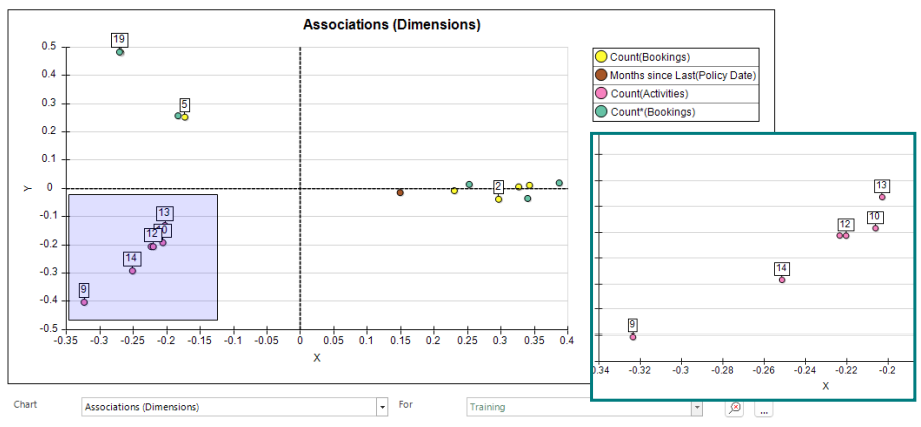
Reset the zoom
To reset the zoom, drag out a rectangle in the reverse direction or use the button in the bottom right hand corner of the chart.