Expressions
You can use an expression in a data grid. Simply make an expression using the expression editor, and left-drag it onto the data grid by its drag handle.
The diagram below shows a data grid that uses an expression as a column.
.png)
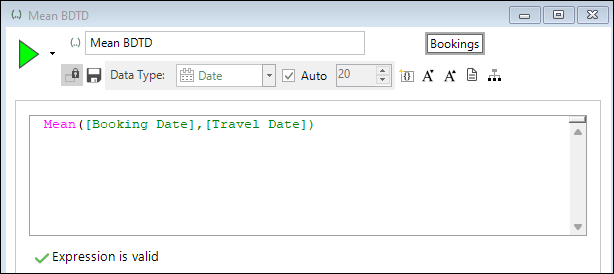
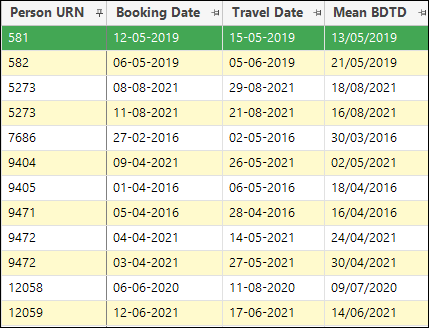
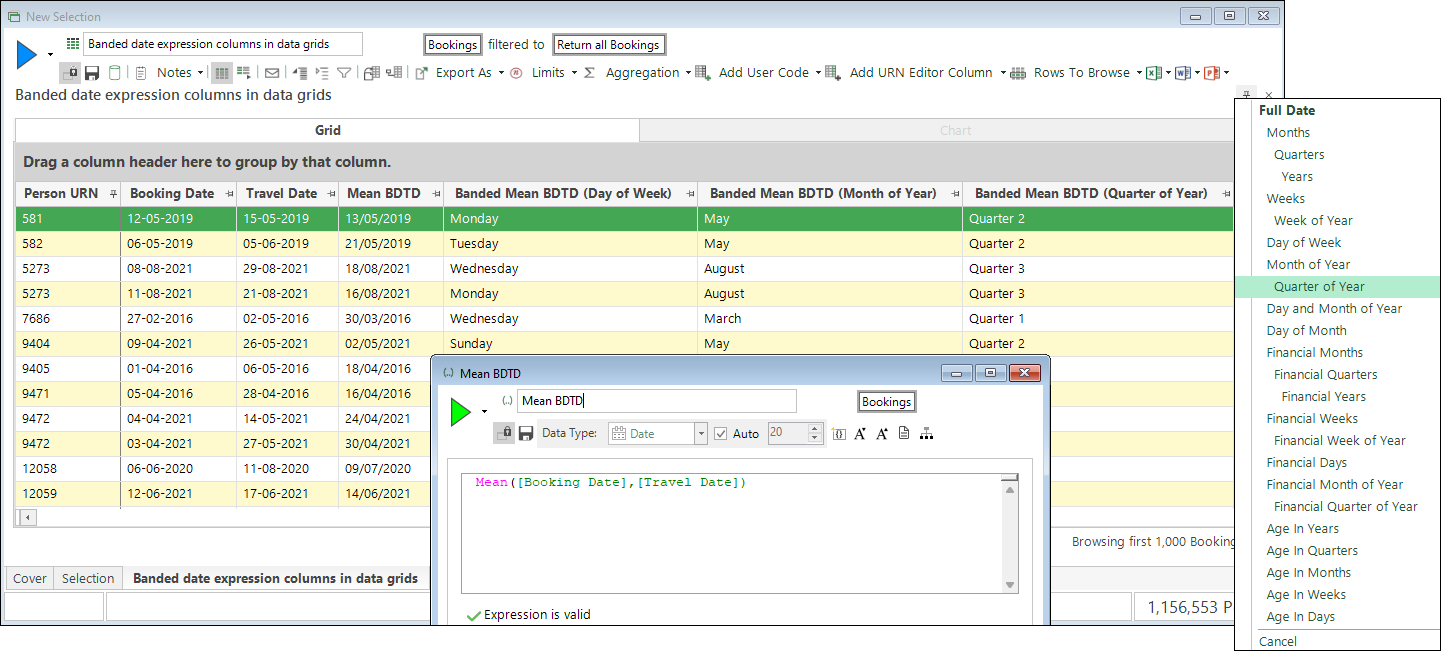
In a similar way, you can add date/date time expressions into a data grid. For example, let's imagine that we want to identify the average for a person's booking date and travel date.
-
Create the expression.
-
Left drag the expression onto a data grid by its drag handle and build.
Banded date or datetime expressions
You can create and use a banded date or datetime expression as a column in a data grid. To access the banding options:
-
Right drag your expression onto a data grid and select the required banding.
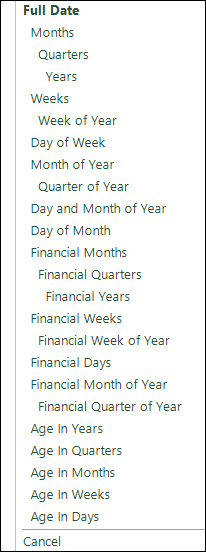
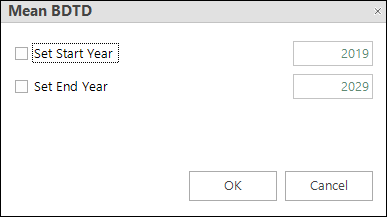
Once you select your banding option, you are presented with a second dialog in which you can set the start and end year for your date expression. By default this is ± 5 years from the current year (2024 below):
-
Build the display.
Note
Significantly, this ability to add a banded date/date time expression directly as a column into a data grid removes the need for you to create a virtual variable.