Analysis trail
Viewing the analysis trail
The panel to the right of the charting window shows an Analysis trail – a record of the key steps taken within a particular charting window.
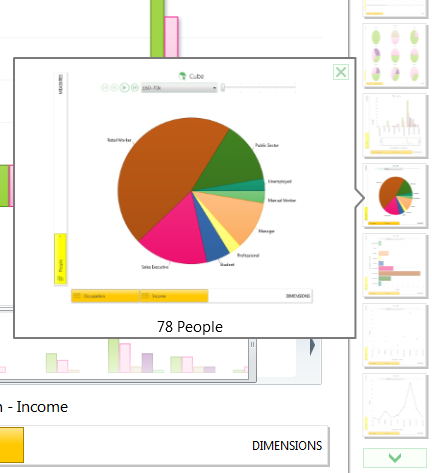
Mouse over a thumbnail image to review any of the different steps taken, or click on an image to open and return to a particular chart display.