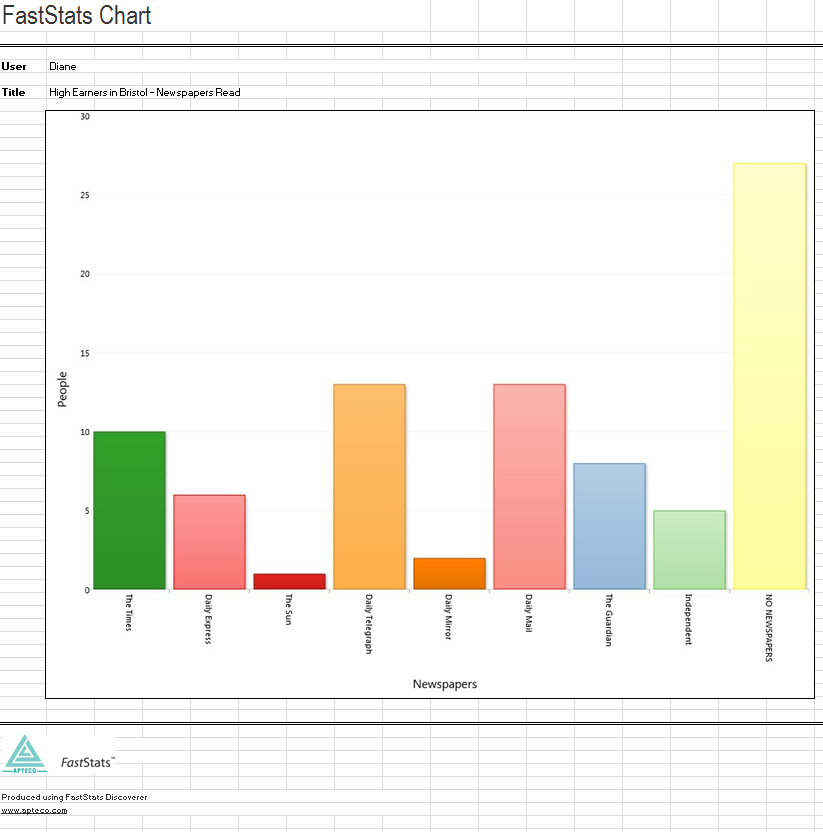
Export chart
Before exporting a Chart, it is good practice to give it a relevant description. For more information, see Name and save
Exporting a chart
From the Charting ribbon bar, click on the Microsoft application you wish to export the chart image into, or click on the Export button itself.
.png)
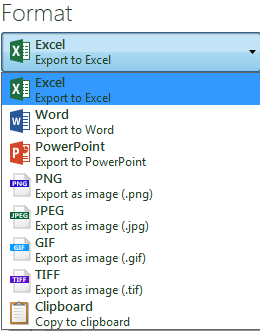
From the Format menu select the export image format required. Click on the Export button and navigate to the target folder in order to save.
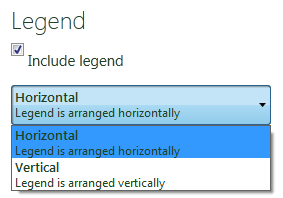
From within the Export window, determine whether to include or exclude a Chart legend and its orientation.
Click on the Export button.

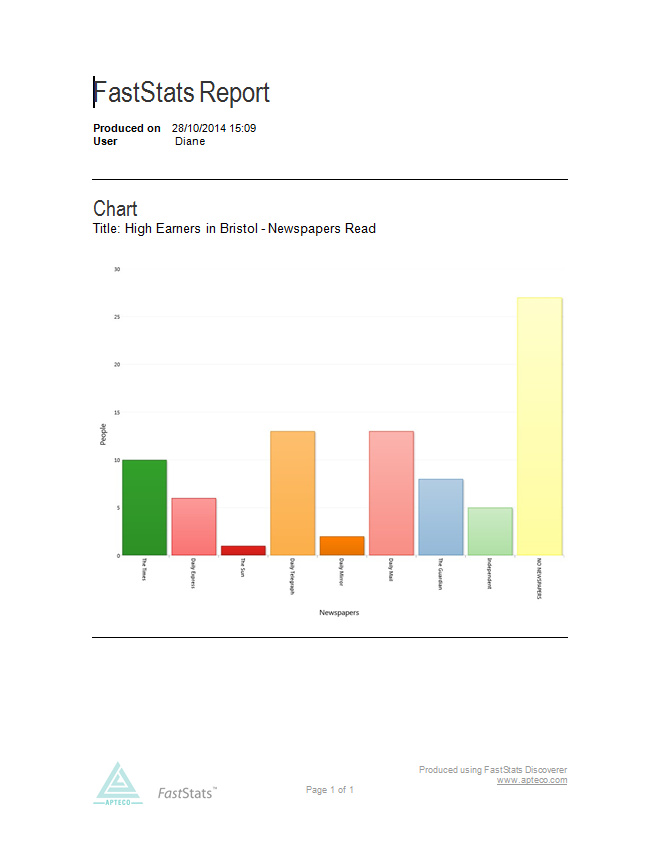
Below are examples of Charts exported into Microsoft templates set up by the FastStats Administrator.