Changing the column sort order
Change the order of columns on any dashboard chart tile, except for tables and cubes.
Note
You must be in view mode to change the sort order.
To change the column sort order on a tile:
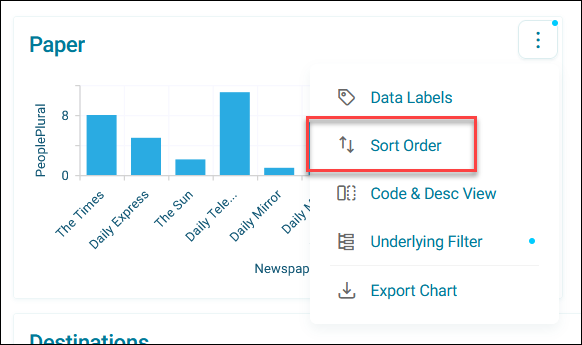
- Expand the option menu on your chart tile.
-
Click Sort Order.
-
Expand the Sort Order dropdown:
- Natural: Displays columns in their default order
- Ascending: Arranges columns from lowest to highest value
- Descending: Arranges columns from highest to lowest value
Your chart updates to reflect the new sort order.